




About this app
Easy Homescreen is an Android launcher that simplifies your device interface. It offers larger text and buttons, aiming to reduce complexity and provide a more tranquil user experience for everyday tasks.
Key features
Large Text and Buttons
Easily read and interact with your phone using significantly enlarged fonts and controls. This feature helps users who find standard interfaces difficult to navigate due to small elements.
Simple Menu Navigation
Access apps, contacts, and shortcuts through a streamlined text-based menu. This simplifies finding what you need quickly, reducing the cognitive load of icon-based navigation.
Minimalist Aesthetic
Organize your device with a clean, uncluttered design. This helps reduce digital distractions, promoting focus on more important aspects of life away from the screen.
How it works
- Install and open the Easy Homescreen application.
- Configure your preferred apps, shortcuts, and contacts.
- Use the simplified interface for daily phone interactions.
Who it is for
- Users seeking a less visually cluttered phone experience.
- Individuals who benefit from larger text and button sizes.
- People overwhelmed by complex smartphone interfaces.
- Those who prefer text labels over icon-based navigation.
Important information
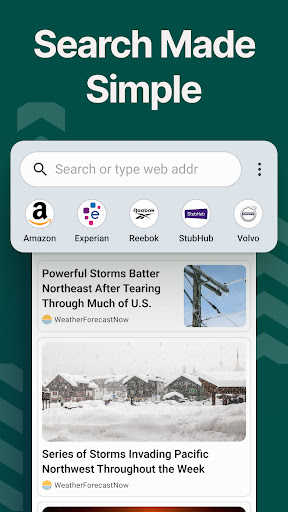
- Installation of this app will change your device's Homescreen search to use Yahoo.
- Review the Terms of Use and Privacy Policy before installation.
- Functionality may vary based on Android device compatibility.
Overall assessment
Easy Homescreen simplifies smartphone navigation with a minimalist design, large text, and easy-to-use menus. It's suitable for users overwhelmed by standard interfaces, offering a calmer digital environment.