










About this app
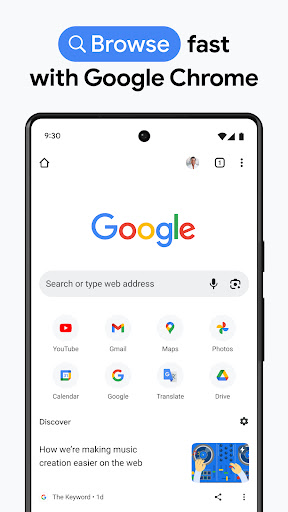
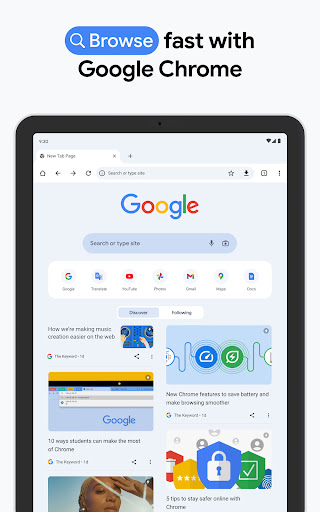
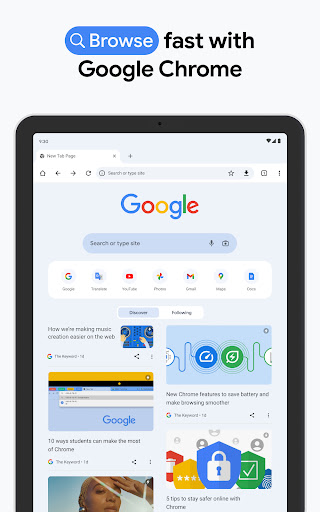
Chrome is a secure and fast web browser by Google. It helps users search, translate, and browse the internet efficiently across multiple devices.
Key features
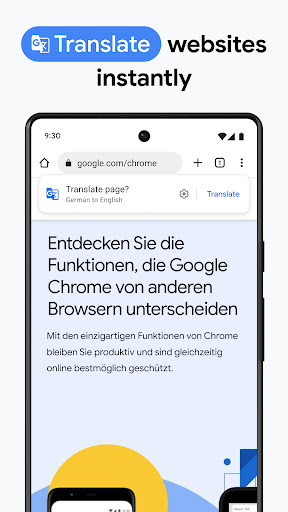
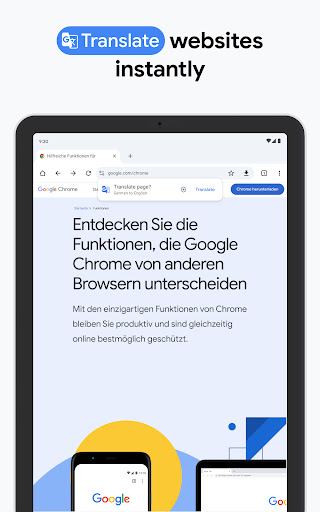
Search and Translate
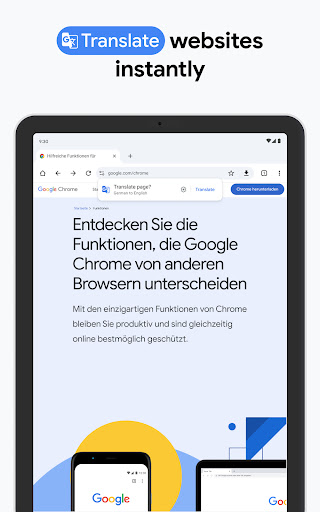
Quickly search the web or translate content in over 130 languages using Google's integrated tools for seamless browsing and information access.
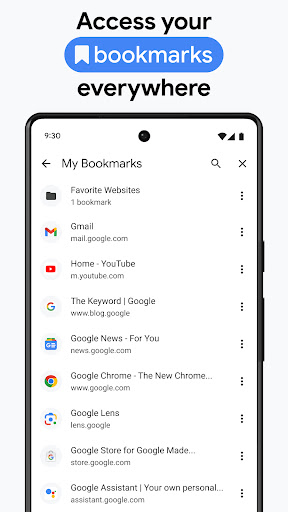
Cross-Device Sync
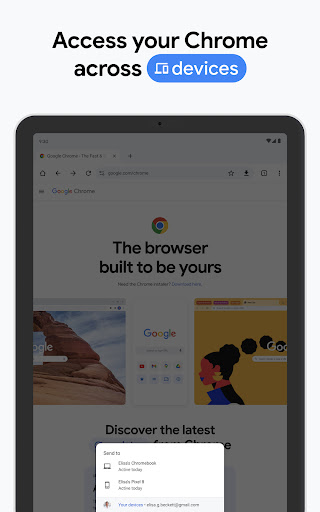
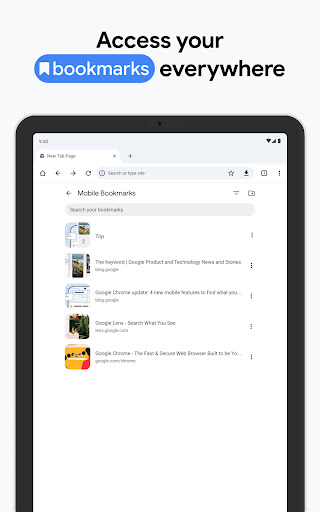
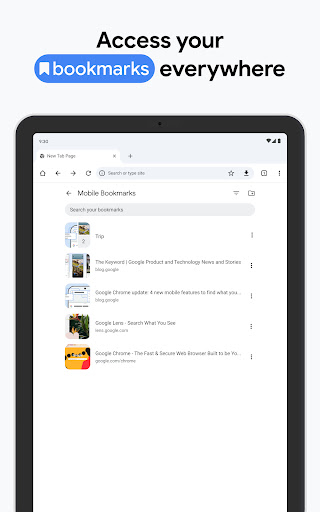
Access your bookmarks, tabs, and passwords across your phone, computer, and tablet by signing into Chrome for a consistent browsing experience.
Password Management
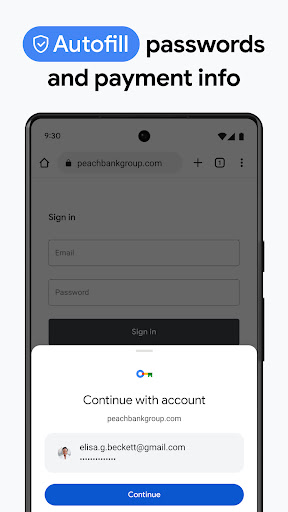
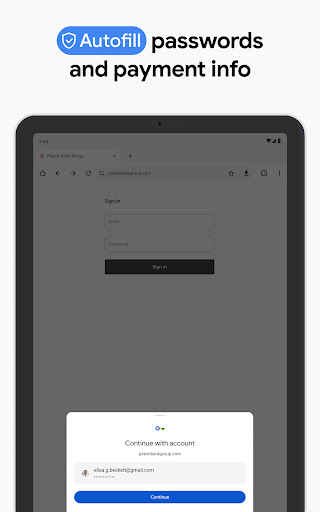
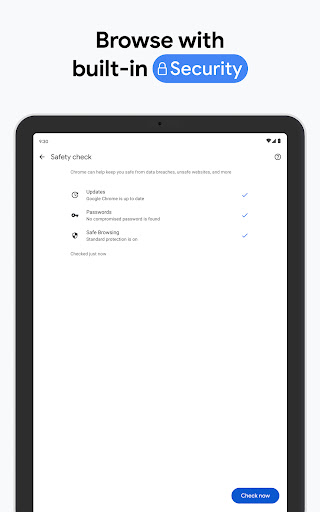
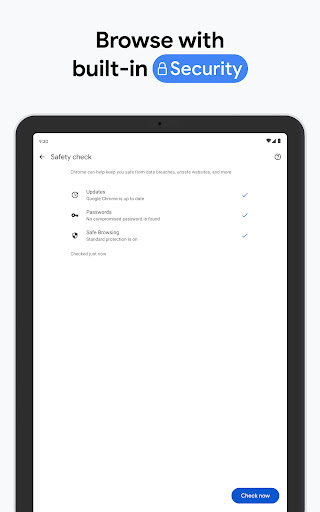
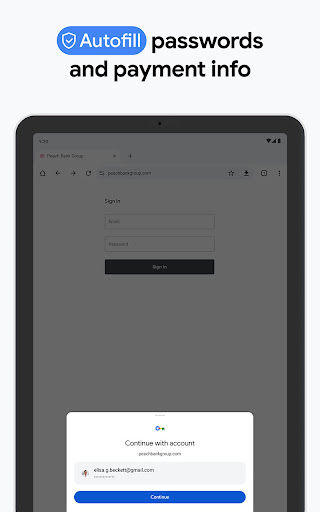
Securely generate, save, and manage your passwords for faster sign-ins and receive alerts if any of your stored passwords are at risk.
How it works
- Open the Chrome app on your device.
- Navigate to websites, perform searches, or access saved content.
- Utilize features like translation or sync across devices as needed.
Who it is for
- Users who prioritize a fast and secure browsing experience.
- Individuals who frequently search and need quick access to information.
- Travelers or multilingual users needing on-the-go translation.
- People who want to sync their browsing data across multiple devices.
Important information
- Chrome requires a Google account for full sync functionality across devices.
- The app uses internet access to load web pages and perform searches.
- Users should check the official store listing for device compatibility details.
Overall assessment
Chrome offers a robust and secure browsing experience, integrating Google's search and translation tools. It's ideal for users needing cross-device synchronization and efficient web navigation.