










About this app
Google Drive is a cloud storage and collaboration tool. It allows users to securely store, organize, and access files across multiple devices from anywhere.
Key features
Secure File Storage
Safely store your documents, photos, and videos in the cloud, accessing them from any device whenever you need them, ensuring peace of mind.
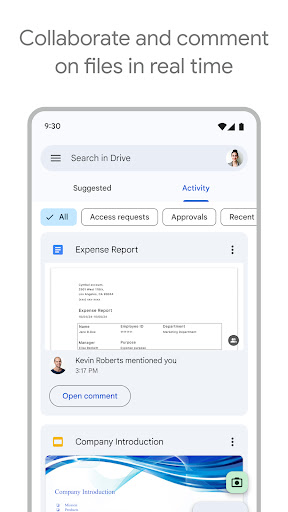
Collaboration Tools
Share files and folders with others, setting specific permissions to enable seamless teamwork and collaborative editing on projects.
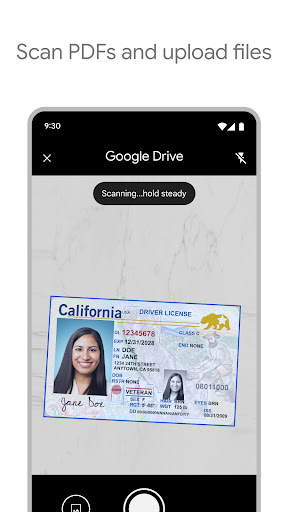
Document Scanning
Use your device's camera to quickly scan and upload paper documents, converting them into digital files for easy storage and retrieval.
How it works
- Open the Google Drive app on your device.
- Tap the '+' button to upload or create new files.
- Select your desired file or folder to manage its access and content.
Who it is for
- Individuals needing to back up personal files.
- Students managing academic documents and projects.
- Professionals collaborating on work-related content.
- Teams requiring a centralized repository for shared information.
Important information
- A Google account is required to use Google Drive.
- Free storage is 15GB, shared with Gmail and Google Photos; upgrades available.
- Internet connection is necessary for most features; offline access is supported for select files.
Overall assessment
Google Drive offers a robust solution for cloud storage and file collaboration, suitable for personal and professional use. Its cross-device accessibility and sharing features are key strengths for managing digital content effectively.