


About this app
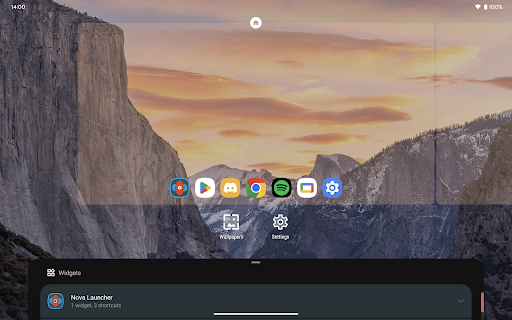
Nova Launcher is a customizable home screen replacement app. It helps users personalize their Android device's interface with advanced features for a unique look and feel.
Key features
Custom Icons and Themes
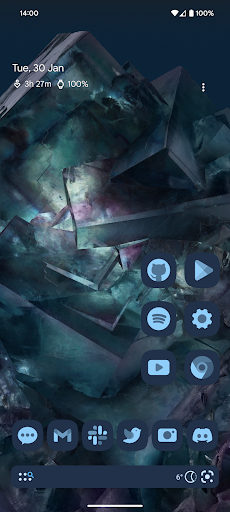
Personalize your device by applying thousands of icon themes or reshaping icons. Users can also select custom colors and sync dark mode for a unique appearance.
Powerful Search System
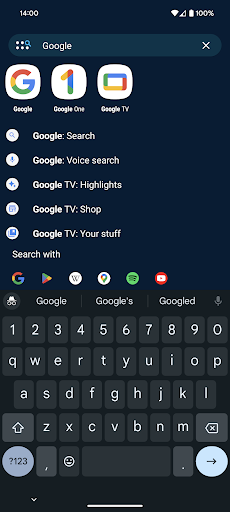
Quickly find content within apps and contacts. Get instant calculations, unit conversions, and package tracking information directly from the search bar.
Home Screen Customization
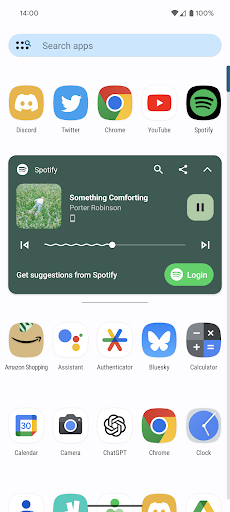
Adjust icon size, label colors, and scroll direction for a precise layout. Organize apps with customizable folders and app drawer cards for easy access.
How it works
- Install Nova Launcher from the app store.
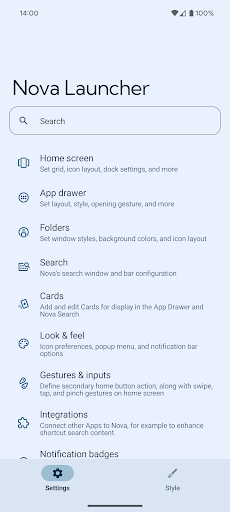
- Open the app and explore customization options for icons, themes, and layout.
- Apply your preferred settings to transform your device's home screen.
Who it is for
- Users seeking extensive home screen personalization.
- Android users who want to update older devices with newer launcher features.
- Individuals who prefer a highly organized and efficient app drawer.
- Those who enjoy fine-tuning their device's visual appearance and functionality.
Important information
- Nova Launcher offers optional features that may require Accessibility Service, Device Administrator, or Notification Listener permissions.
- Advanced customization options and features are available through an in-app purchase called Nova Launcher Prime.
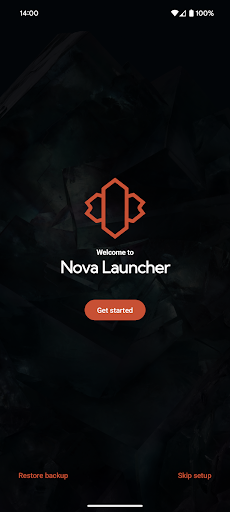
- Users can back up their configurations locally or to cloud storage for easy restoration on new devices.
Overall assessment
Nova Launcher provides deep customization for Android home screens, appealing to users who want a personalized interface. Its support for custom icons, themes, and layout adjustments offers significant flexibility for device personalization.