










About this app
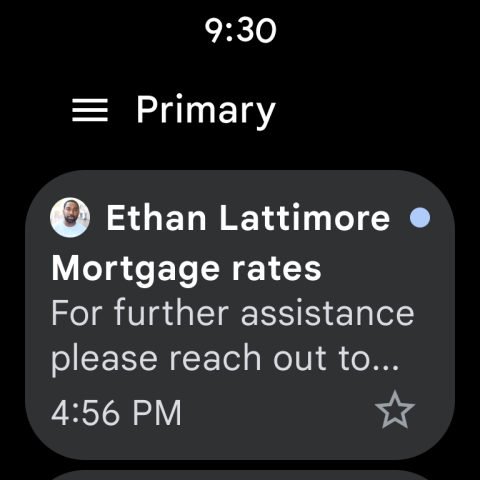
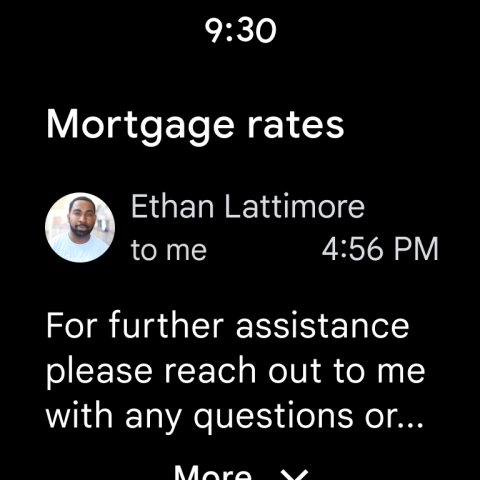
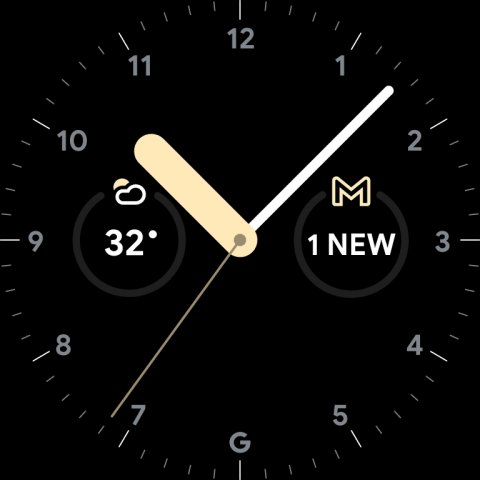
The Gmail app provides secure email management on Android devices, offering real-time notifications, multi-account support, and efficient search capabilities for all your correspondence.
Key features
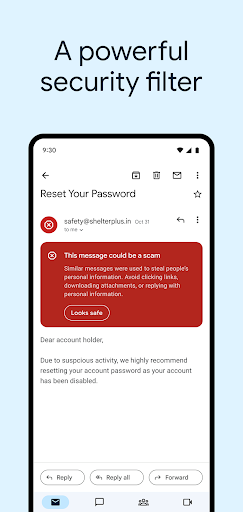
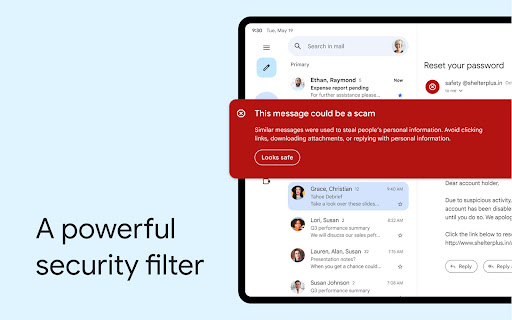
Spam Protection
Automatically blocks over 99.9% of spam, phishing, and malware, ensuring your inbox remains clean and secure from unwanted or dangerous content.
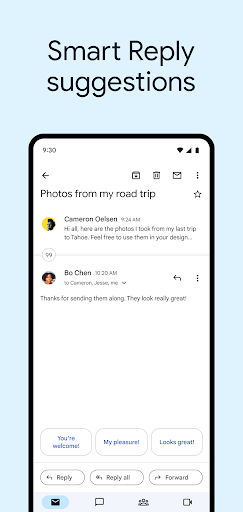
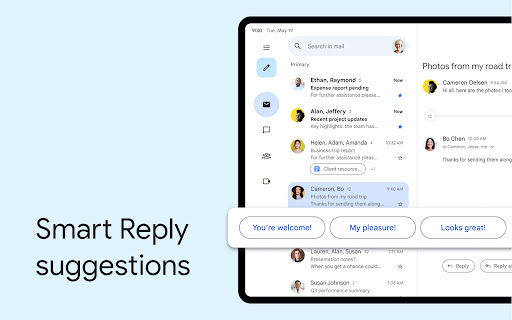
Smart Reply
Suggests quick responses to emails, enabling users to reply efficiently and save time when managing their inbox communications.
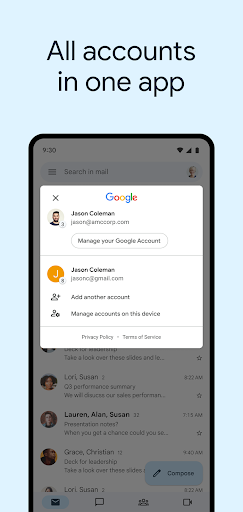
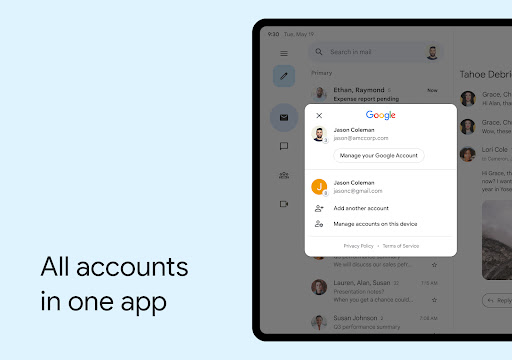
Multi-Account Support
Allows seamless switching between different email accounts, making it convenient for users managing multiple professional or personal inboxes.
How it works
- Open the Gmail app on your device.
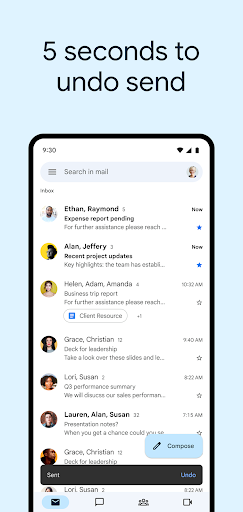
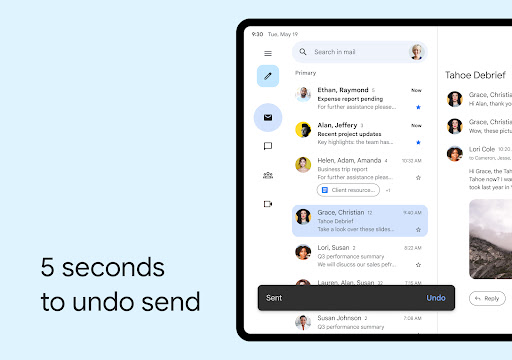
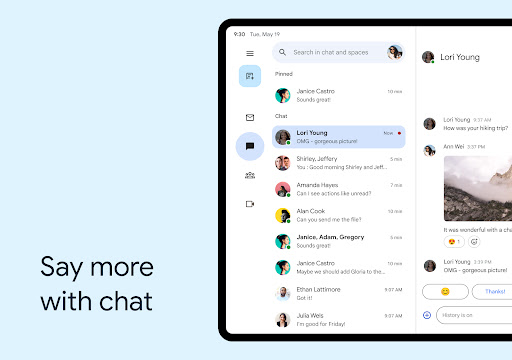
- Navigate through your inbox or compose a new message.
- Manage emails using features like search, labels, and quick actions.
Who it is for
- Individuals managing personal email accounts.
- Professionals needing to organize work correspondence.
- Users who require efficient spam filtering.
- People who utilize multiple email addresses.
Important information
- Requires an active internet connection for most functions.
- Offers integration with other Google Workspace services.
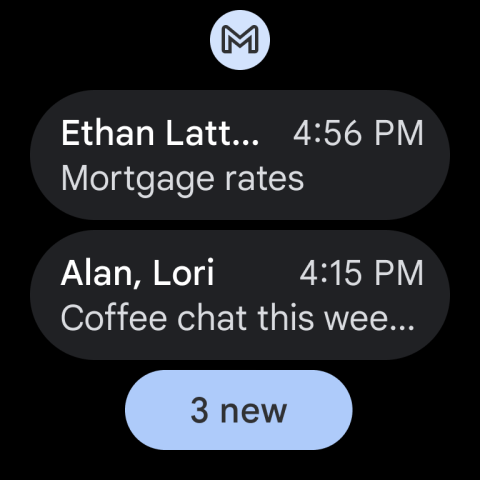
- Users can manage notifications and account settings within the app.
Overall assessment
Gmail is a robust email client for Android, excelling in security and efficient inbox management. It suits individuals and professionals needing reliable communication tools and seamless multi-account handling.