




About this app
GIMP for Android offers a professional-grade image editing suite on your mobile device. This powerful application allows users to perform complex photo manipulation and graphic design tasks anywhere.
Key features
Image Editing Tools
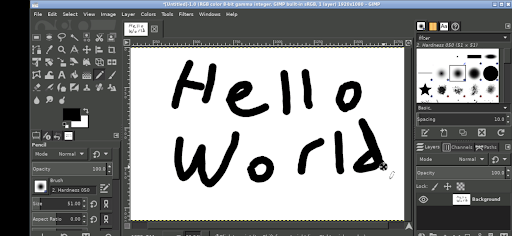
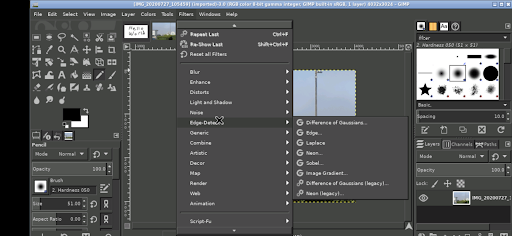
Utilize a comprehensive suite of professional tools for retouching, compositing, and image creation. Perfect for detailed photo adjustments and artistic endeavors.
Layer Management
Work with multiple layers to build complex images and non-destructive edits. Essential for sophisticated graphic design and intricate photo compositions.
File Access
Directly access files from your device's common directories like Documents and Pictures without needing to import or export them.
How it works
- Launch the GIMP application on your Android device.
- Utilize touch gestures for navigation and tool selection.
- Edit and save your image files directly from the app.
Who it is for
- Graphic designers needing mobile editing capabilities.
- Photographers requiring advanced retouching on the go.
- Artists creating digital illustrations on a tablet or phone.
- Users familiar with desktop GIMP seeking portability.
Important information
- Basic touch controls are adapted for mobile use; a stylus is recommended for precision.
- GIMP can be run for free via the UserLAnd app if you prefer not to purchase this version.
- Desktop scaling settings require an app restart to take effect.
Overall assessment
This GIMP adaptation provides a robust desktop-class image editor for Android users. It is ideal for professionals and enthusiasts needing advanced editing tools away from their computers, offering direct file access.