





About this app
Canva is a versatile design app for creating visual content. It helps users make social media posts, presentations, and digital art using templates and AI-powered tools, simplifying the design process for various projects.
Key features
AI Image Generation
Transform text descriptions into unique images quickly. This function is useful for generating custom visuals when specific images are not readily available, aiding creative expression.
Photo Editing Suite
Edit photos by cropping, adjusting colors, and applying filters. It's helpful for enhancing image quality and appearance before incorporating them into designs or sharing.
Video Creation Tools
Create and edit videos with templates, animations, and effects. This feature allows users to produce professional-looking video content for social media or presentations.
How it works
- Open the app and select a template or start from scratch.
- Customize your design using editing tools, text, and AI features.
- Download or share your finished creation.
Who it is for
- Social media managers creating engaging posts.
- Entrepreneurs designing marketing materials and logos.
- Students and teachers for presentations and classwork.
- Individuals wanting to make personal digital art or collages.
Important information
- The app offers a free version with many features; optional subscriptions unlock additional content and tools.
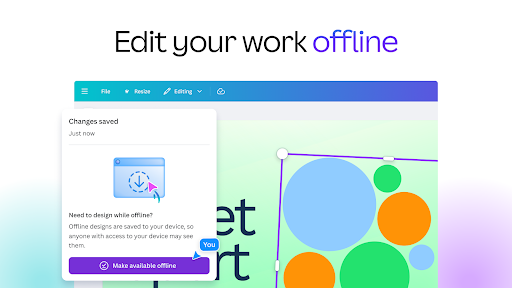
- An internet connection is required for most features, including AI tools and accessing the content library.
- Some advanced features, like post scheduling, are exclusive to Canva Pro subscribers.
Overall assessment
Canva is a comprehensive design application suitable for users needing to create visual content. Its strengths lie in its extensive template library and AI-powered editing tools, appealing to content creators and businesses alike.