















About this app
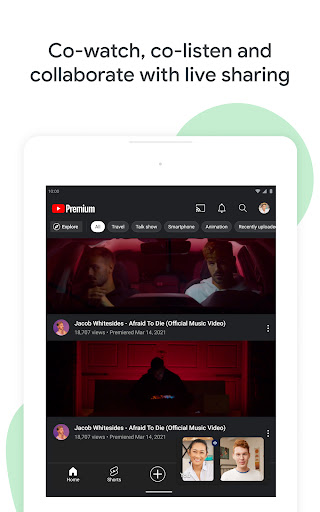
Google Meet is a video conferencing app for secure connections, collaboration, and quality video calls. It allows users to connect with friends, family, or colleagues across multiple devices.
Key features
Host group calls
Organize video calls for up to 100 participants, ideal for family gatherings or team meetings. Connect with multiple people simultaneously for efficient communication.
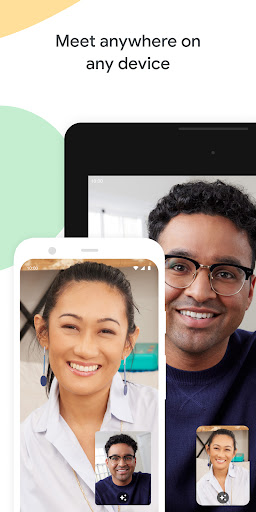
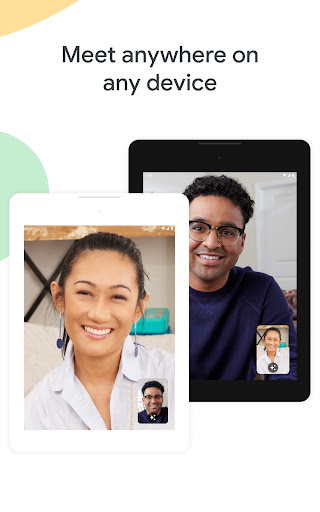
Cross-device access
Join meetings from any device, including mobile, web, or smart TVs. Ensures everyone can participate regardless of their preferred platform or hardware.
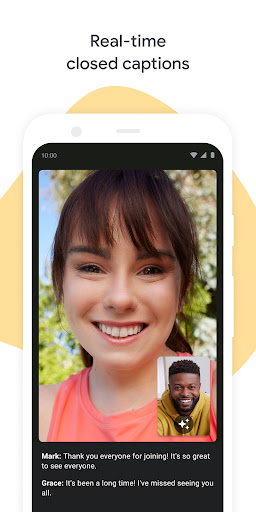
Real-time captions
Follow conversations with live transcriptions powered by Google's speech-to-text technology. Helps users who are deaf or hard of hearing or in noisy environments.
How it works
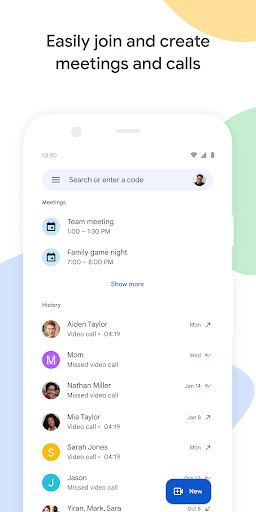
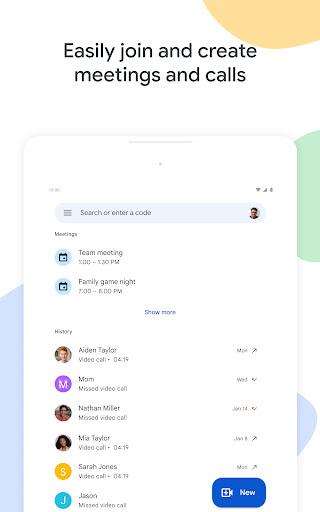
- Open the Google Meet app and choose to start an instant meeting or schedule one.
- Share the meeting link or code with participants via email or messaging.
- Join the video call and interact with others using various features.
Who it is for
- Individuals wanting to stay in touch with friends and family.
- Professionals organizing team meetings and client calls.
- Educators conducting remote classes or virtual lectures.
- Anyone needing to collaborate or socialize visually online.
Important information
- Data charges may apply depending on your mobile carrier.
- Some features might vary in availability based on your device's specifications.
- Users should check the official store listing for the most current information on features and compatibility.
Overall assessment
Google Meet facilitates seamless video communication for personal and professional use. Its cross-device compatibility and collaborative features make it a versatile tool for connecting groups, though some advanced capabilities are reserved for Workspace subscribers.