




About this app
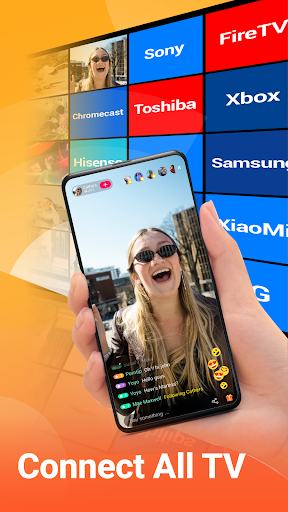
Screen Mirroring - All Mirror is a screen casting utility that enables users to display their mobile device content on a larger TV screen in real-time for enhanced viewing.
Key features
Cast Mobile Screen
Share your phone's display to a big screen, ideal for watching videos, viewing photos, or playing games together with others easily.
Media File Sharing
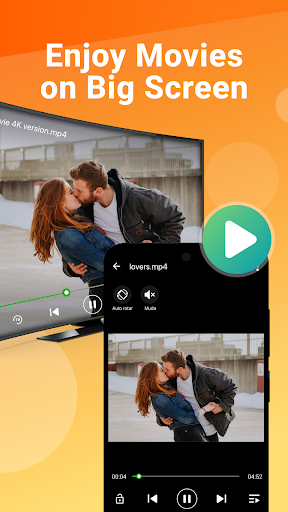
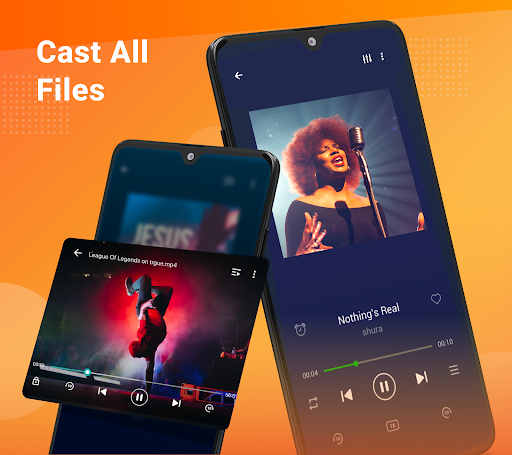
Display all media types, including photos, music, videos, and e-books, from your phone onto a television for shared enjoyment.
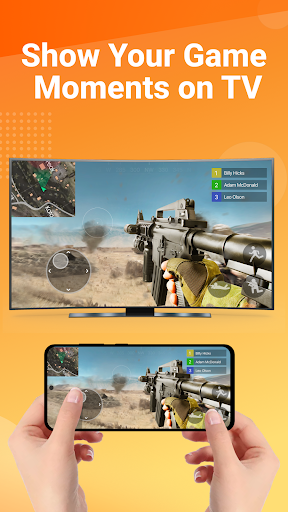
Real-time Game Casting
Play mobile games on a large TV screen with a stable, real-time connection, offering a more immersive gaming experience.
How it works
- Ensure your phone and TV are on the same Wi-Fi network.
- Enable wireless display on your phone and Miracast on your TV.
- Search for and pair your TV with your phone to start mirroring.
Who it is for
- Users wanting to share mobile games on a larger display.
- Families looking to watch movies or view photos together on TV.
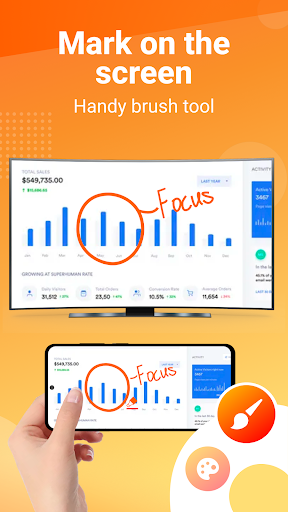
- Professionals needing to present slideshows or demonstrations in meetings.
- Individuals who prefer viewing phone content on a big screen.
Important information
- Both your TV and Android device must support wireless display/Miracast functionality.
- Ensure your phone and smart TV are connected to the same Wi-Fi network.
- It is recommended to turn off VPN for a stable connection.
Overall assessment
This app facilitates casting mobile screens and media to TVs, offering a simple way to share content. It is useful for families, gamers, and professionals seeking a larger viewing experience on compatible devices.