



About this app
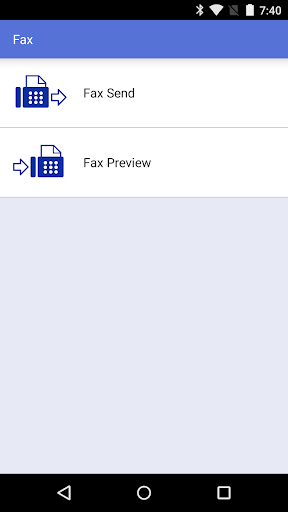
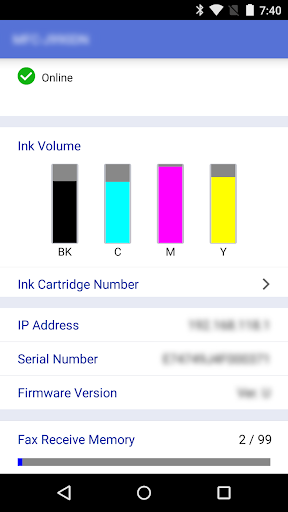
Brother iPrint&Scan is a free mobile utility app enabling users to print documents and scan images directly from their Android devices to Brother printers.
Key features
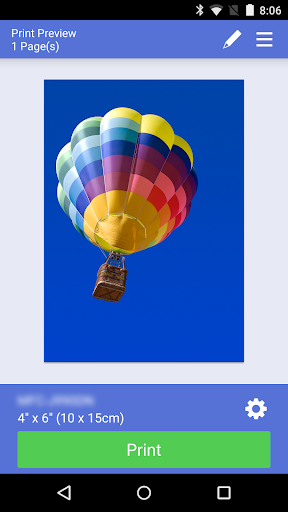
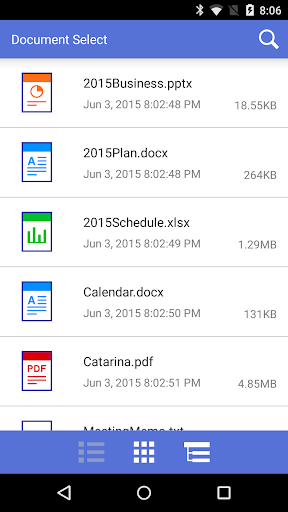
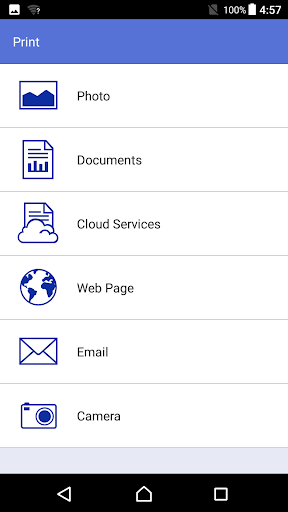
Print documents and photos
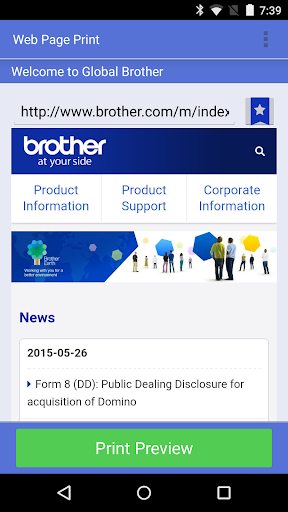
Users can print favorite photos, web pages, emails, and documents from their device or cloud services like Dropbox to a Brother printer.
Scan to device
Scan documents and photos directly to your Android device, saving them as PDFs or JPEGs for easy sharing or storage.
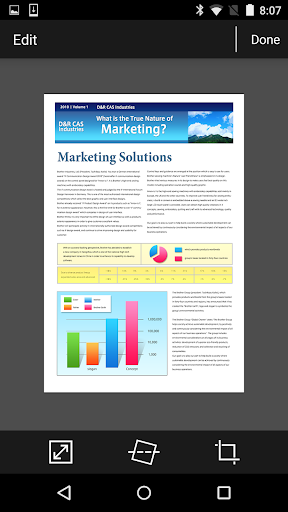
Advanced editing tools
Edit previewed images before printing or copying, with tools for straightening, cropping, and scaling to ensure accuracy and desired results.
How it works
- Open the app and connect to your Brother printer via the local wireless network.
- Select the print or scan function and choose your desired document or photo.
- Adjust settings as needed and initiate the print or scan process.
Who it is for
- Users needing to print documents and photos from their mobile devices.
- Individuals who frequently scan documents and want to save them digitally.
- Office workers needing mobile access to printer and scanner functions.
- Users with Brother printers seeking wireless connectivity.
Important information
- A memory card is required on your device for printing and scanning operations.
- NFC functionality requires both your mobile device and printer to support NFC.
- Check your local Brother website for a list of compatible printer models.
Overall assessment
Brother iPrint&Scan offers essential printing and scanning capabilities for Android users with compatible Brother devices. It streamlines document management by enabling direct mobile access to printer and scanner functions, ideal for home and office environments.