




About this app
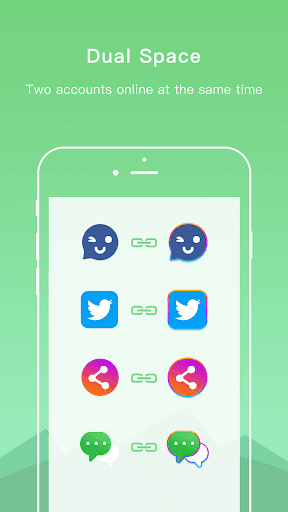
DualSpace is an app that allows users to run multiple accounts for the same application simultaneously on a single device, offering a stable solution for managing different social or work profiles.
Key features
Multiple Accounts
Run separate personal and work accounts for various apps simultaneously, ensuring data isolation and easy management between different profiles without interference.
Privacy Zone
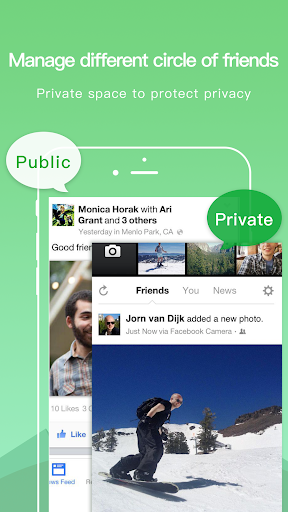
Create a hidden space for private accounts, ensuring they are not visible in the phone's system and protecting your data security and privacy.
App Cloning
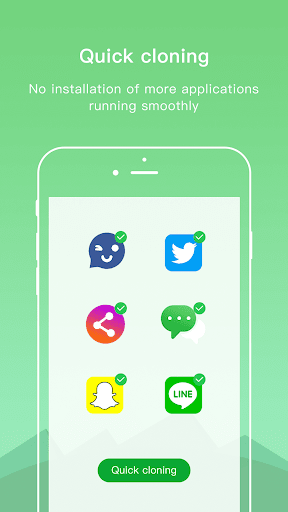
Clone applications efficiently without installing additional apps on your phone, which helps maintain smooth device performance while using multiple accounts.
How it works
- Install and open the DualSpace application.
- Select and clone the desired applications from your device.
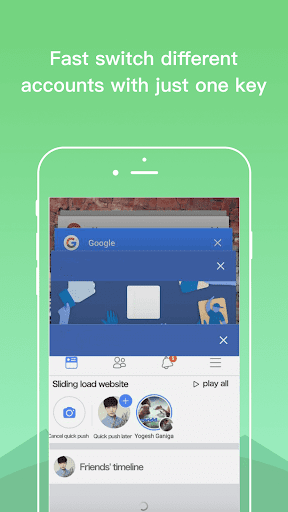
- Log in to different accounts within the cloned apps and switch between them easily.
Who it is for
- Users who need to manage separate personal and professional social media accounts.
- Individuals who require multiple game accounts on a single device.
- People who want to keep their private accounts securely hidden from others.
- Users looking for a stable solution for running cloned applications like WhatsApp.
Important information
- The app requires system permissions to ensure cloned applications function correctly, which may trigger antivirus warnings.
- Users should add DualSpace to the whitelist of performance-enhancing apps to ensure notifications work properly.
- For any questions or issues, users are encouraged to use the in-app feedback or contact the provided email address.
Overall assessment
DualSpace offers a practical solution for users needing to operate multiple instances of the same application. Its stability and privacy features make it suitable for managing social and work accounts simultaneously on one phone.