
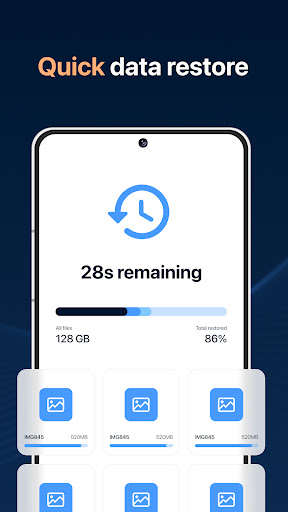


About this app
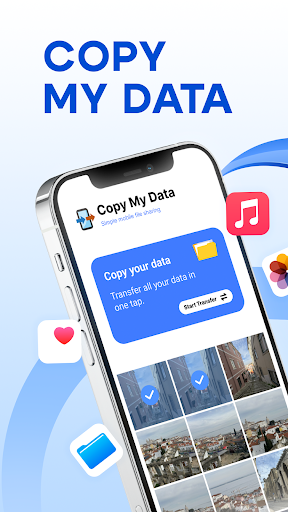
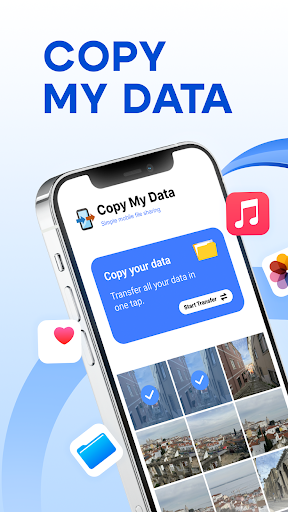
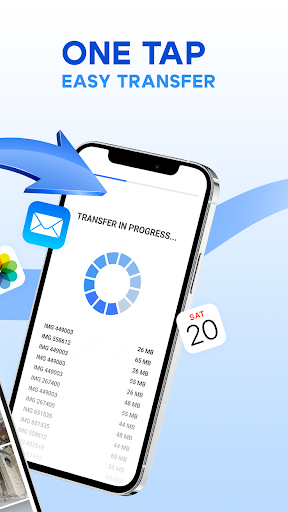
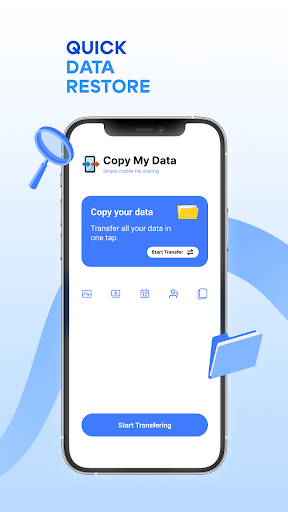
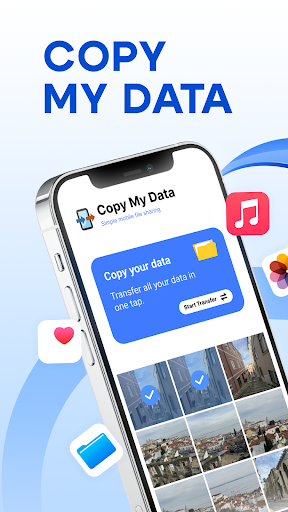
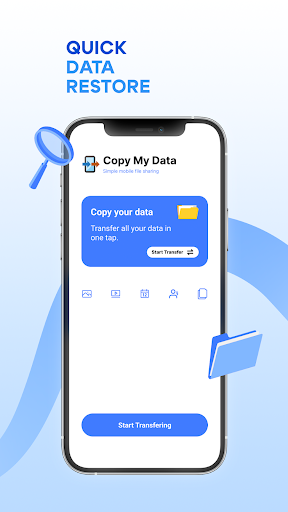
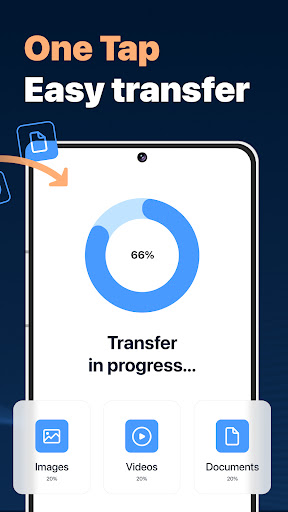
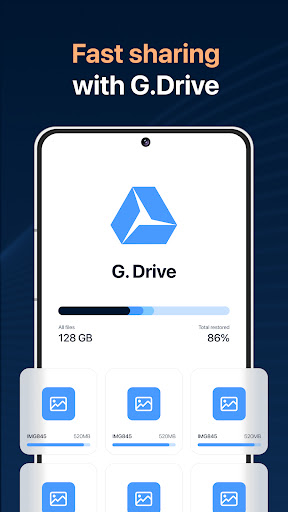
Copy My Data is a mobile app designed for transferring content between phones. It allows users to easily move files like photos, videos, and contacts wirelessly.
Key features
Wireless data transfer
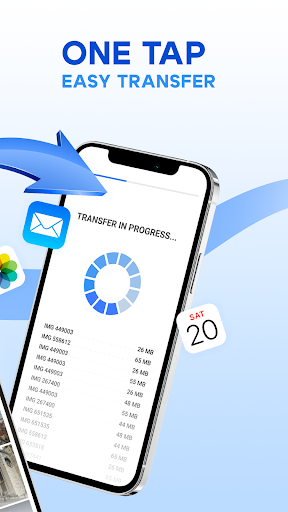
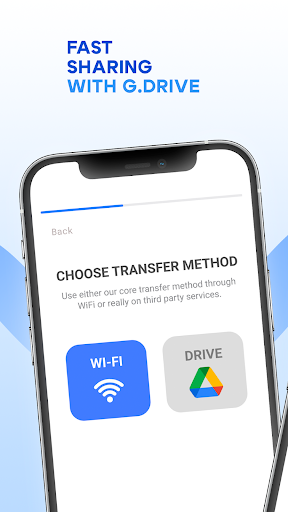
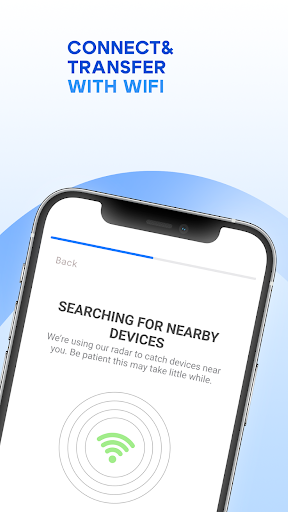
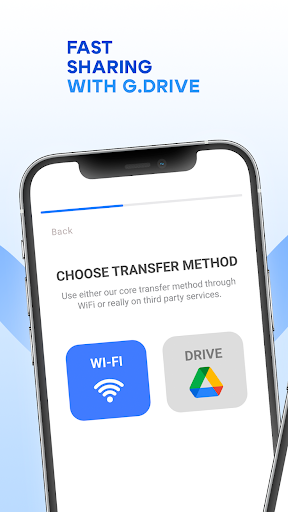
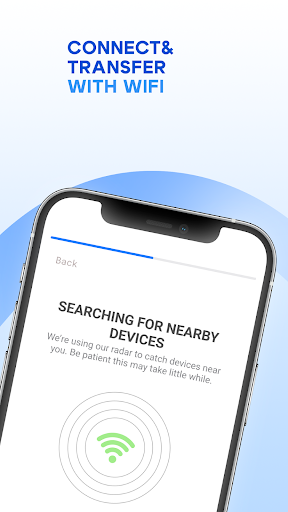
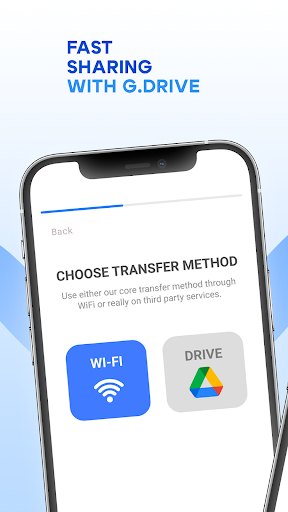
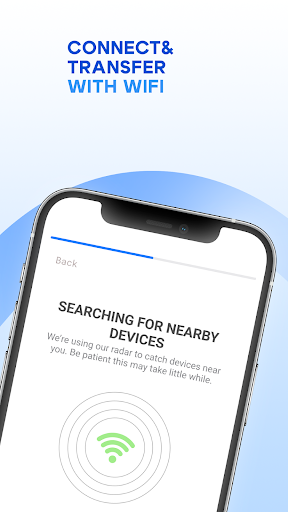
Move files between phones over WiFi without needing a computer, ensuring your important data stays with you on your new device.
QR code connection
Establish a quick and easy connection between two smartphones using a QR code for seamless content cloning and transfer processes.
Content transfer
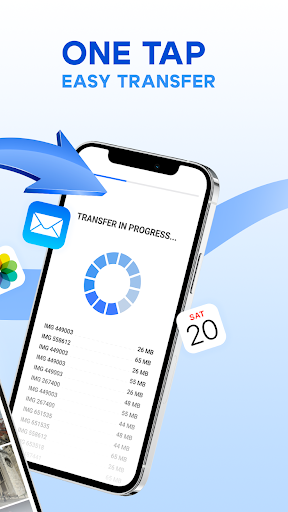
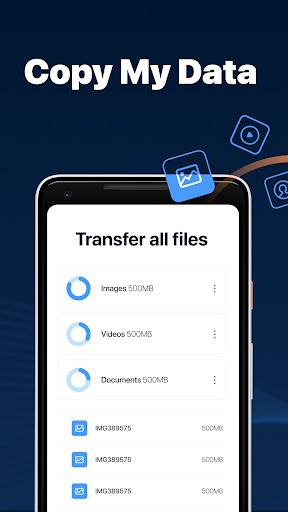
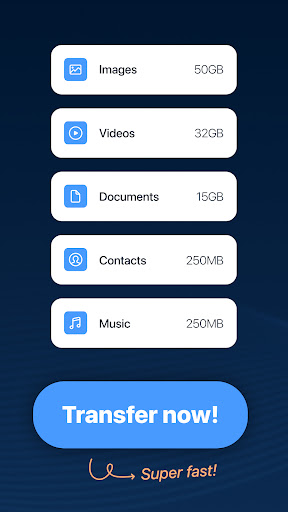
Transfer personal data including calendar dates, photos, videos, music, and contacts to your new smartphone securely and efficiently.
How it works
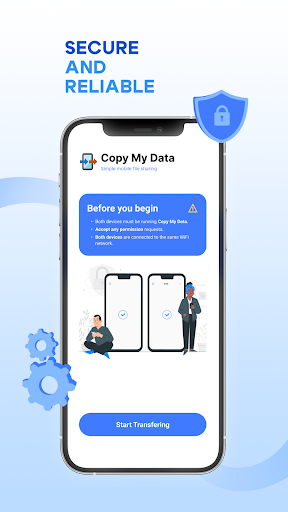
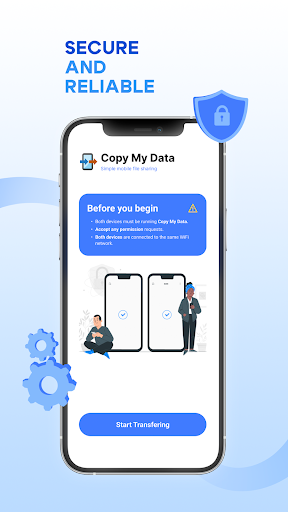
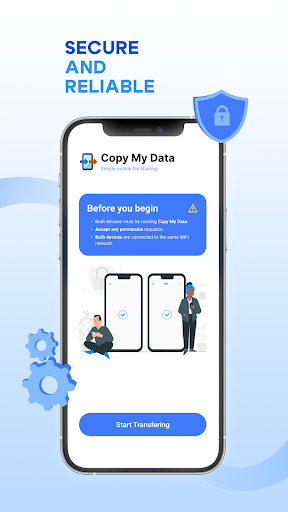
- Ensure both phones are connected to the same WiFi network.
- Initiate the transfer process within the app on both devices.
- Follow the on-screen prompts, potentially using a QR code, to complete the data migration.
Who it is for
- Individuals upgrading to a new smartphone.
- Users who need to back up important phone data.
- People transferring files between Android and iOS devices.
- Anyone seeking a computer-free data transfer solution.
Important information
- Both devices must be connected to the same WiFi network for the transfer to work.
- The app facilitates direct phone-to-phone transfer and does not require a computer.
- Users should consult the app store listing for the latest device compatibility and permission details.
Overall assessment
Copy My Data offers a straightforward solution for wireless content migration between phones. Its QR code and WiFi-based transfer methods are convenient for users upgrading devices or needing to share files without a PC.