


About this app
Open Camera is a free, open-source camera application that provides advanced manual controls. It helps users capture better photos and videos by offering extensive customization options.
Key features
Manual Camera Controls
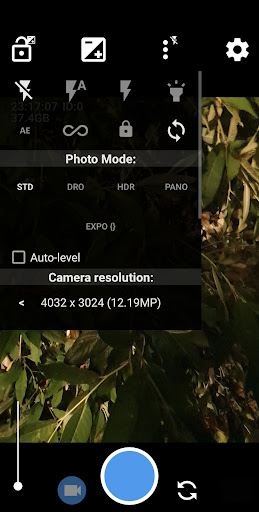
Users can adjust ISO, focus, and exposure to achieve precise image settings in various lighting conditions, offering greater creative control over shots.
Auto-Leveling Feature
This function automatically straightens photos, ensuring horizons are perfectly level even if the device was held at an angle, enhancing visual appeal.
Advanced Photo Options
Supports HDR, exposure bracketing, and RAW capture, allowing photographers to capture more detail and flexibility in post-processing.
How it works
- Open the Open Camera application on your device.
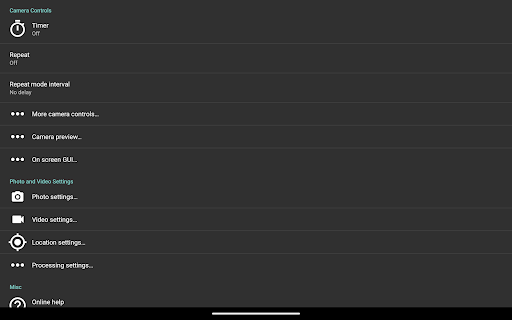
- Adjust desired settings like focus, exposure, and resolution.
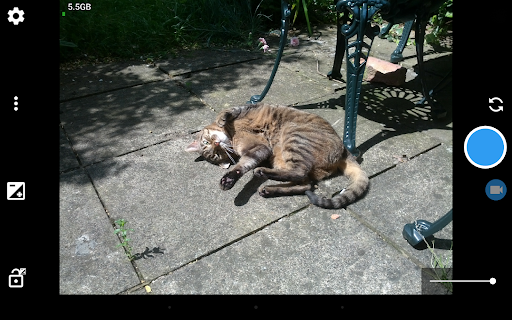
- Tap the capture button to take a photo or record a video.
Who it is for
- Photography enthusiasts seeking manual control.
- Users who need precise image leveling.
- Individuals requiring advanced video recording options.
- Anyone looking for a free, ad-free camera alternative.
Important information
- Some features depend on device hardware and Android version compatibility.
- Users should check the official website for source code and licensing details.
- It is recommended to test the app thoroughly before critical photo events.
Overall assessment
Open Camera offers extensive manual controls and advanced features for free, making it suitable for users who want granular control over their photography. Its open-source nature and lack of ads are significant benefits for discerning photographers.