


About this app
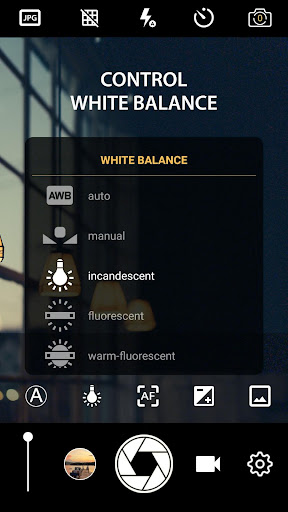
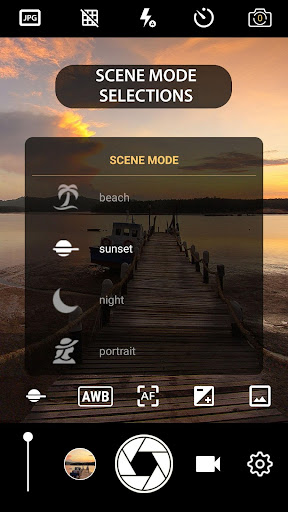
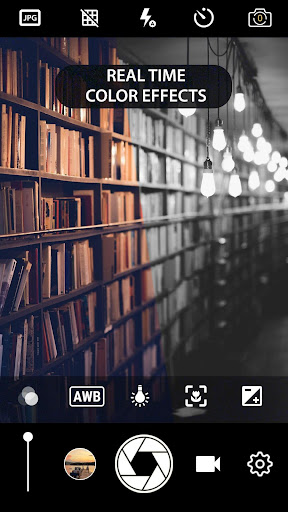
Manual Camera DSLR is a photography app that brings professional camera controls to your smartphone. It helps users take enhanced photos and videos with manual adjustments.
Key features
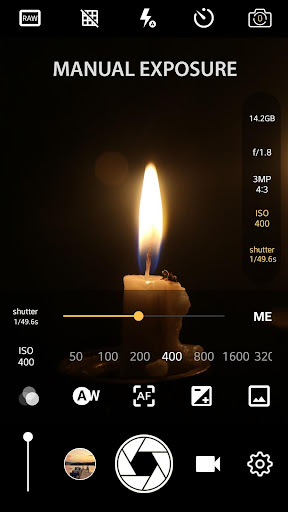
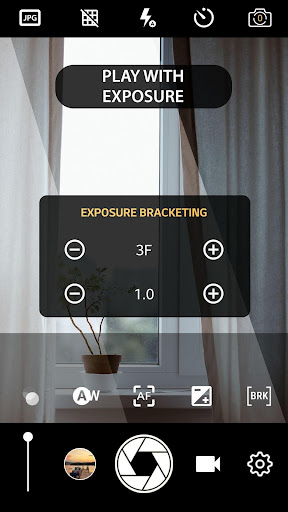
Manual Camera Control
Adjust ISO, shutter speed, and focus manually to gain precise control over your shots, enhancing creative possibilities for photographers.
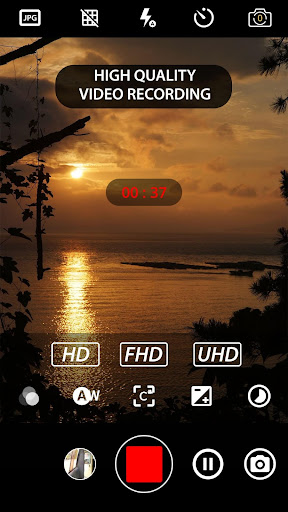
4K Video Recording
Record high-resolution videos in 4K UHD on supported devices, capturing footage with exceptional clarity for professional-quality content.
RAW Photo Capture
Save photos in RAW (DNG) format for maximum editing flexibility, allowing advanced users to fine-tune images post-capture.
How it works
- Open the app to access the camera interface.
- Adjust manual settings like ISO, shutter speed, and focus.
- Capture photos or record videos with your desired settings.
Who it is for
- Photography enthusiasts seeking manual control.
- Users wanting to experiment with advanced camera settings.
- Videographers needing high-resolution recording options.
- Mobile photographers aiming to improve their skills.
Important information
- Full manual control features require Android 5.0+ with Camera2API enabled.
- Some advanced features, like RAW capture, may only be available on the rear camera.
- Check your device's settings for Camera2API support to use all manual functions.
Overall assessment
Manual Camera DSLR provides extensive manual controls for mobile photography, including RAW capture and 4K video. It's suited for users who need precise command over their shots.