



About this app
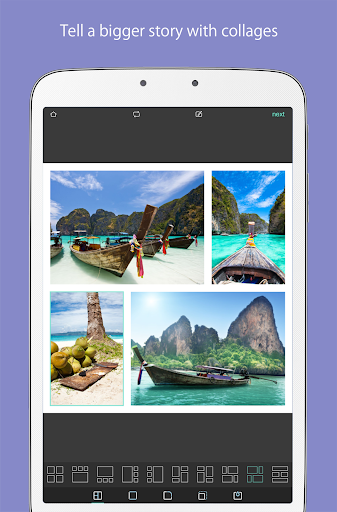
Pixlr AI Art Photo Editor is a free AI-powered photo editing app. It helps creators transform images easily with a vast library of effects and filters, suitable for all skill levels.
Key features
AI Generative Fill
Seamlessly fill highlighted areas with AI-generated objects. Users can modify specific parts of their photos by simply selecting and letting the AI create content.
AI Remove Object
Effortlessly remove unwanted elements from images. The AI intelligently fills the gaps, leaving a clean, natural-looking photo without the object.
AI Remove Background
Achieve perfect background removal with advanced AI technology. This function isolates subjects precisely for cleaner edits and compositing.
How it works
- Open the Pixlr AI Art Photo Editor app.
- Select a photo to edit and choose an AI tool or effect.
- Apply edits and save or share your enhanced image.
Who it is for
- Beginner photographers seeking easy image enhancements.
- Social media users wanting to create eye-catching posts.
- Digital artists exploring creative photo manipulations.
- Anyone needing to quickly remove objects or backgrounds.
Important information
- The app offers a free version with optional in-app purchases for advanced features.
- An internet connection is required for most AI-powered editing functions.
- Users should review the app's privacy policy for data handling details.
Overall assessment
Pixlr AI Art Photo Editor is a versatile tool for both novice and experienced users. Its AI-driven features for object removal and background editing offer powerful capabilities, making image transformation accessible and efficient for creative expression.