



About this app
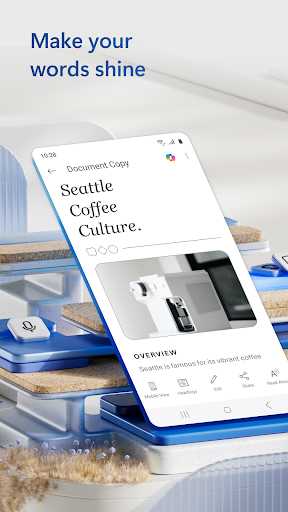
Microsoft Word is a mobile document editor that lets you create, edit, and share documents on the go. This app helps users manage their writing tasks efficiently from their smartphones or tablets.
Key features
Create and Edit Docs
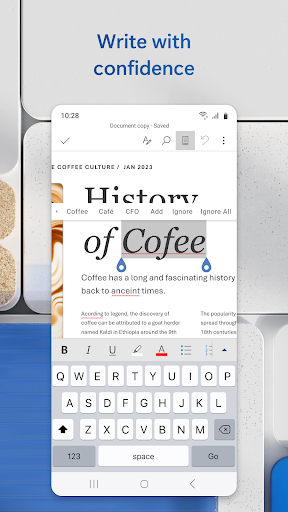
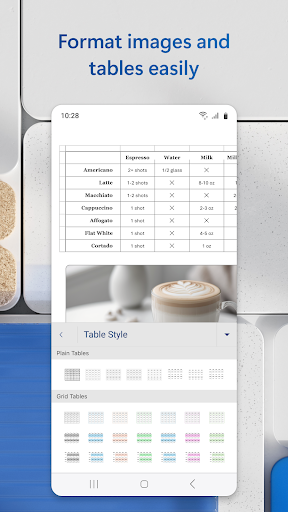
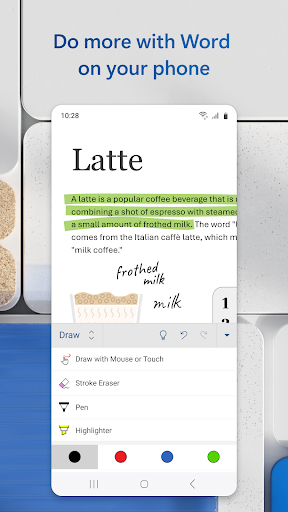
Use powerful editing tools to write and format documents like letters, resumes, and reports directly on your device, ensuring your work looks professional anywhere.
Convert to PDF
Easily transform your Word documents into PDF files for simple sharing or convert existing PDFs into editable Word documents, streamlining document management.
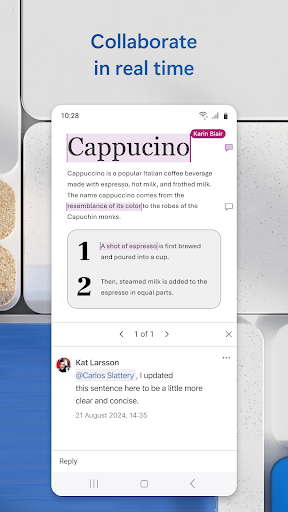
Collaborate Seamlessly
Share documents with others, leave comments, and track changes in real-time, facilitating teamwork and efficient project collaboration from any location.
How it works
- Open the app and select a template or a blank document.
- Use the editing tools to write, format, and make changes to your text.
- Save and share your document via link, email, or as a PDF file.
Who it is for
- Writers and bloggers needing to draft content on the move.
- Students working on assignments and projects remotely.
- Professionals managing documents and collaborating with teams.
- Individuals who need to convert between Word and PDF formats.
Important information
- A free Microsoft account is required to create or edit documents on devices smaller than 10.1 inches.
- Requires 1 GB RAM or above for optimal performance.
- Please check the official store listing for the most up-to-date device compatibility and feature information.
Overall assessment
Microsoft Word offers robust mobile document creation and editing capabilities, ideal for writers, students, and professionals. Its collaboration features and PDF conversion make it a versatile tool for on-the-go productivity, though a Microsoft account is needed for full functionality.