






About this app
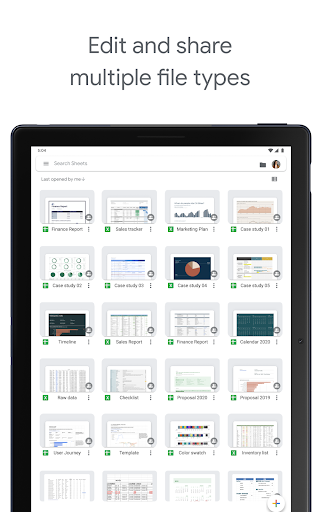
Google Sheets is a mobile spreadsheet app that lets you create, edit, and collaborate on documents. It helps users manage data and work efficiently on the go.
Key features
Edit Spreadsheets Offline
Users can create, view, and edit spreadsheet files even without an internet connection, ensuring productivity is not interrupted.
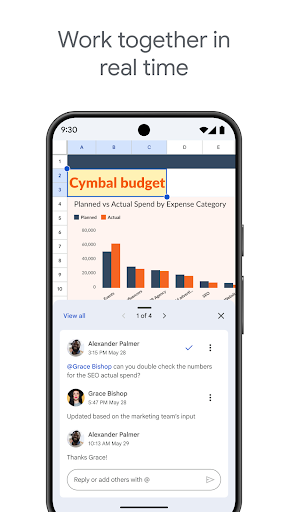
Real-time Collaboration
Multiple users can work on the same spreadsheet simultaneously, seeing each other's changes instantly for efficient teamwork.
Smart Suggestions
The app provides quick insights, chart insertions, and formatting suggestions, simplifying data analysis and presentation.
How it works
- Open the Google Sheets app on your device.
- Create a new spreadsheet or select an existing one to edit.
- Make your changes and collaborate with others if needed.
Who it is for
- Individuals needing to track personal budgets.
- Students collaborating on group projects.
- Professionals managing business data on the move.
- Users who need to edit Excel files on Android.
Important information
- Requires a Google account for full functionality.
- Internet access is needed for real-time collaboration and syncing.
- Works offline for viewing and editing previously accessed files.
Overall assessment
Google Sheets offers robust mobile spreadsheet capabilities for data management and collaborative projects. Its offline access and real-time editing are key strengths for users needing flexibility.