





About this app
Phone Link is a utility app that connects your Android phone to your Windows PC, allowing seamless interaction between devices for enhanced productivity and convenience.
Key features
Manage Notifications
View and interact with your phone's notifications directly on your PC, helping you stay updated without constantly checking your mobile device.
File Transfer
Easily drag, drop, and copy files between your phone and PC, streamlining the process of sharing photos and documents.
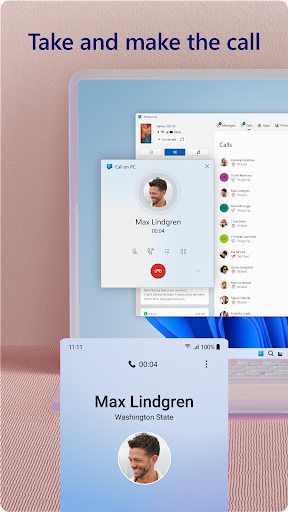
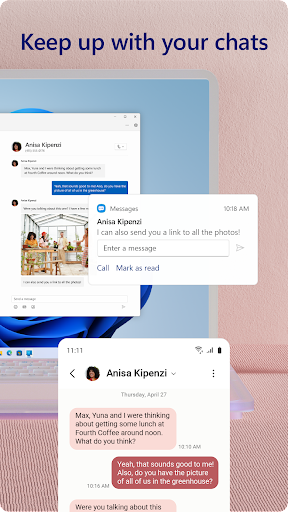
Calls and Texts
Make and receive phone calls and reply to text messages from your PC, keeping communication centralized and efficient.
How it works
- Install the Link to Windows app on your Android phone.
- Connect your phone to your Windows PC via the Phone Link application.
- Access your phone's features and content on your PC.
Who it is for
- Users who frequently switch between phone and PC tasks.
- Individuals needing to manage communications from their computer.
- People who want to easily transfer files and photos between devices.
- Android users with compatible Windows PCs seeking better integration.
Important information
- Making and receiving calls requires a Windows PC with Bluetooth capability.
- Advanced features like file drag-and-drop and app access are limited to specific phone models.
- Users must agree to Microsoft's Terms of Use and Privacy Statement upon installation.
Overall assessment
Phone Link offers a robust solution for integrating Android phones with Windows PCs, enabling efficient management of calls, messages, and files. It is ideal for users seeking seamless cross-device functionality and improved workflow.