





About this app
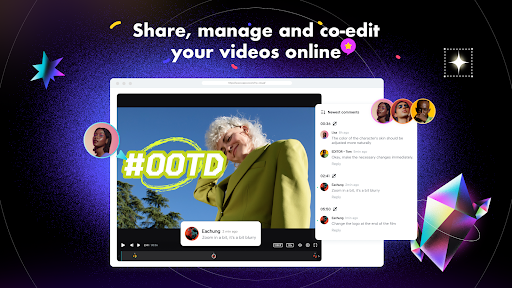
CapCut is a versatile video editing app that allows users to create engaging content. It offers a range of tools for editing, effects, and sharing, making video creation accessible.
Key features
Basic Editing Tools
Easily trim, split, merge, and adjust video speed. Users can manipulate clips to create precise edits and dynamic pacing for their projects.
Advanced Animation
Apply keyframe animations to all settings for detailed movement control. This feature allows for sophisticated visual storytelling and polished video productions.
Intelligent Features
Utilize auto captions, text-to-speech, and background removal. These AI-powered tools automate complex tasks, saving users time and effort.
How it works
- Import your video clips into the CapCut editor.
- Use the editing tools to trim, add effects, and apply advanced features.
- Export your final video in various resolutions and share it.
Who it is for
- Social media content creators aiming for viral posts.
- Beginners seeking an easy-to-learn video editing application.
- Advanced users needing flexible tools for complex projects.
- Individuals wanting to enhance personal videos for sharing.
Important information
- The app may display advertisements within the user interface.
- Advanced features and export options might require an internet connection.
- Users should review the app's privacy policy for data handling details.
Overall assessment
CapCut serves as a comprehensive video editor suitable for creators of all levels. Its robust editing tools, intelligent features, and sharing capabilities make it a practical choice for producing polished videos efficiently.