







About this app
Miracast for TV is a screen mirroring application that enables users to cast videos, photos, and presentations from their phone to a larger screen.
Key features
Screen Mirroring
Cast your phone or tablet screen in real-time to compatible smart TVs, Firestick, or Chromecast devices for viewing on a bigger display.
Media Casting
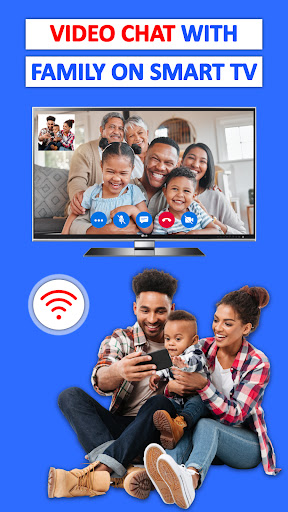
Stream various media types like videos, photos, music, and documents directly from your device's gallery or storage to your television.
Game Streaming
Play mobile games on your TV by mirroring your device's screen, offering a more immersive gaming experience for users.
How it works
- Ensure your smart TV supports Wireless display and is on the same Wi-Fi network as your phone.
- Scan for available devices within the app and select the target TV or casting device.
- Pair your phone with the selected device to begin screen mirroring and casting content.
Who it is for
- Users who want to watch movies or videos from their phone on a TV.
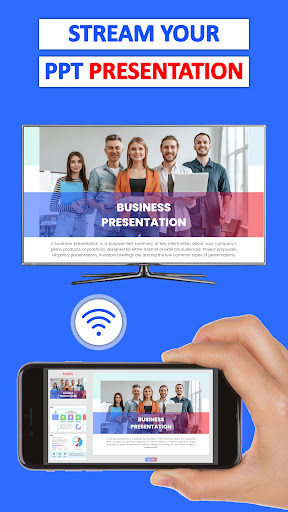
- Individuals looking to share photos or presentations on a larger screen.
- Gamers seeking to play mobile games on their television.
- People who need to stream live videos from various online platforms to a TV.
Important information
- Both your smart TV and phone must be connected to the same Wi-Fi network for casting to work.
- This app is not compatible with VPNs, Proxies, VLANS, or Subnets; ensure a direct Wi-Fi connection.
- Users should verify device compatibility with their specific smart TV model or casting stick.
Overall assessment
This app facilitates screen mirroring and media casting from mobile devices to TVs. It is useful for sharing content, playing games, and viewing media on a larger screen, suitable for entertainment and presentations.