












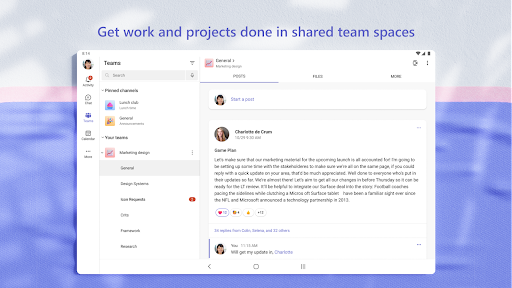




About this app
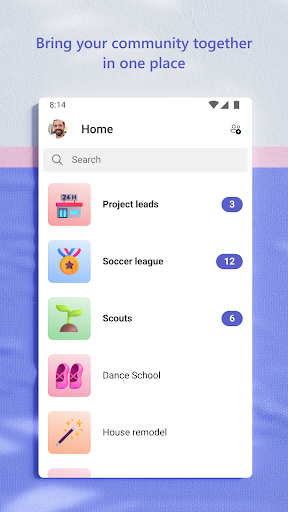
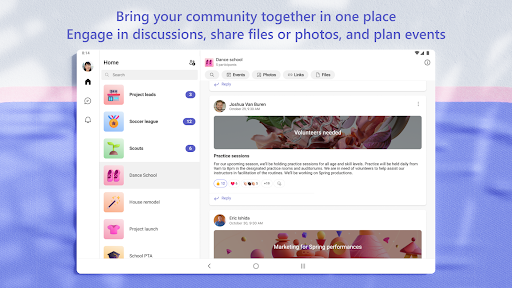
Microsoft Teams is a collaboration app that brings people together for activities and projects. It helps users connect and manage information for communities, work, and personal groups.
Key features
Secure Meetings
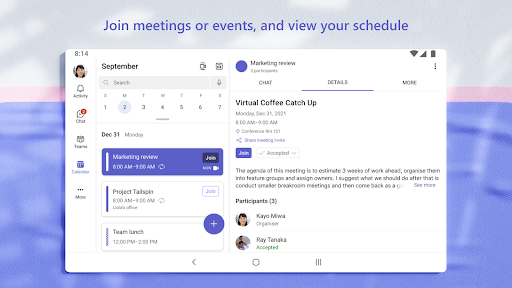
Join audio and video calls in a secure setting. Initiate meetings instantly by sharing a link or calendar invite for easy connection with anyone.
Document Collaboration
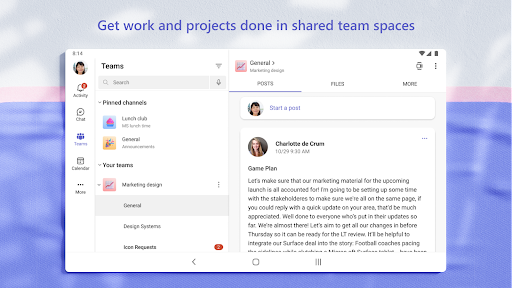
Access and work on shared documents via cloud storage. Collaborate effectively on files and photos, ensuring everyone has the latest versions.
Task Management
Organize projects using task lists. Assign tasks, set due dates, and track progress to ensure your team stays aligned and productive.
How it works
- Open the app and sign in or create an account.
- Join or create a team or community, then start a chat or meeting.
- Collaborate on documents, share files, and manage tasks within your group.
Who it is for
- Work teams needing to collaborate on projects.
- Community organizers planning events and activities.
- Friends and family members coordinating plans.
- Individuals seeking a unified platform for communication and file sharing.
Important information
- Some features require a Microsoft account or a paid Microsoft 365 subscription.
- Users agree to license and privacy terms upon download.
- Check the official store listing for the latest device compatibility and regional availability.
Overall assessment
Microsoft Teams offers a comprehensive platform for group collaboration, integrating chat, meetings, file sharing, and task management. It is suitable for professional and personal groups needing a centralized space to get things done together efficiently.