




About this app
PDF Extra is a versatile mobile app that allows users to scan, edit, and manage PDF files. It offers a comprehensive suite of tools for creating, modifying, and protecting documents on the go.
Key features
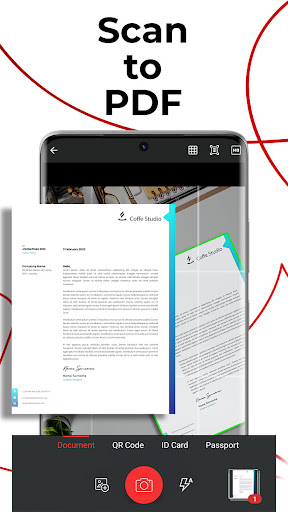
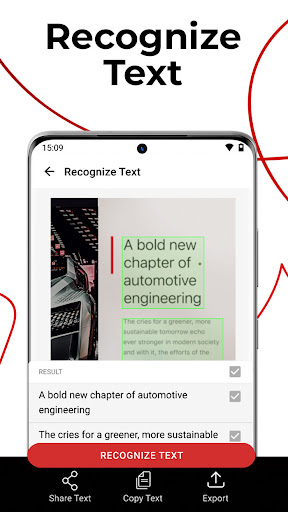
Scan and Digitize
Transform paper documents into editable PDFs using your phone camera. This function helps digitize receipts, contracts, and notes efficiently for easy access and sharing.
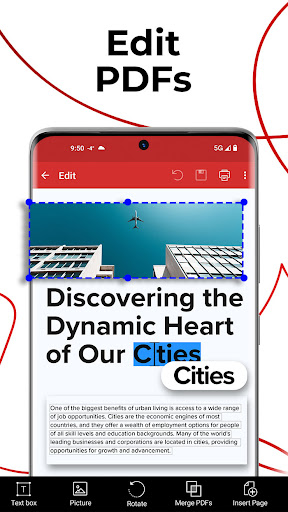
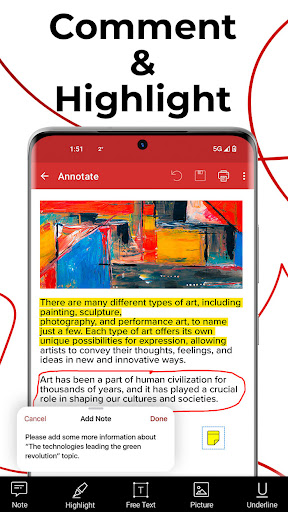
Edit and Annotate
Modify PDF content, insert text or images, and add comments. Users can make detailed changes to documents, ensuring accuracy and clarity anytime, anywhere.
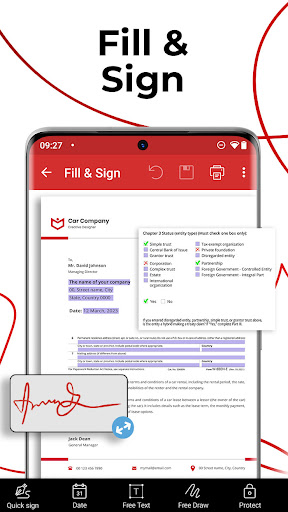
Fill and Sign
Complete and sign PDF forms directly on your device. This feature streamlines document processing for contracts and applications, saving time and effort.
How it works
- Open the app and select the 'Scan' or 'Create' option.
- Use your camera to capture documents or import existing files.
- Edit, sign, convert, or protect your PDF as needed, then save or share.
Who it is for
- Professionals needing to manage business documents remotely.
- Students requiring tools for note-taking and assignment submission.
- Individuals who frequently fill out and sign forms.
- Anyone needing to digitize and edit paper documents on their phone.
Important information
- Some advanced features require an in-app purchase to unlock.
- A Google Play account is needed for in-app purchase processing.
- Subscriptions automatically renew unless canceled at least 24 hours prior.
Overall assessment
PDF Extra provides a robust set of mobile PDF tools, ideal for users needing to scan, edit, and sign documents on the go. Its comprehensive features make it suitable for professionals and students alike who require document management capabilities.