










About this app
Microsoft Authenticator is a security app offering multi-factor authentication and passwordless sign-ins to protect online accounts and manage Microsoft services.
Key features
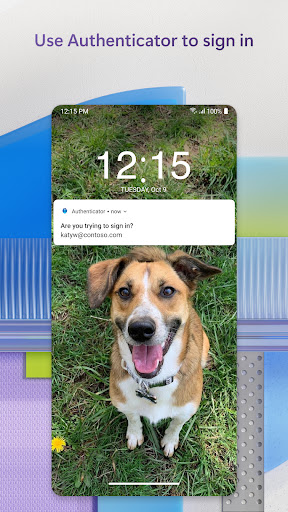
Multi-factor Authentication
Approve login notifications or use generated one-time passwords for an extra security layer when accessing accounts. These codes are valid for 30 seconds.
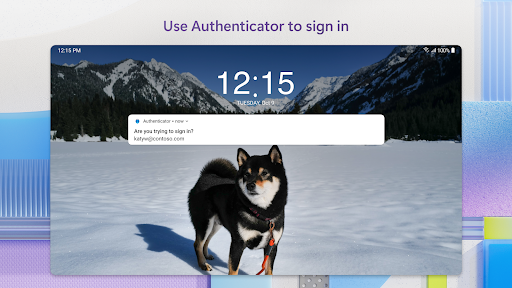
Passwordless Sign-in
Log in to your Microsoft account using only your phone. Approve notifications and use biometrics or a PIN for secure, two-step verification.
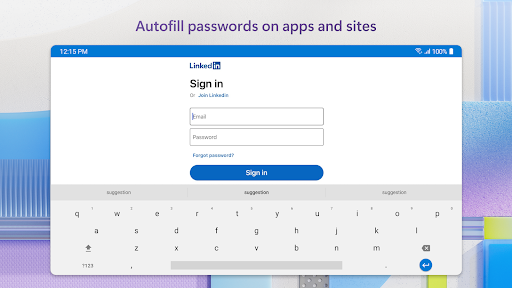
Password Autofill
Automatically fill in saved passwords across apps and websites on your mobile device. Requires setup and verification with biometrics or PIN.
How it works
- Add accounts to the app by scanning QR codes or manually entering details.
- Enable multi-factor authentication or passwordless sign-in for supported services.
- Approve notifications or use generated codes for secure access.
Who it is for
- Users seeking enhanced security for their online accounts.
- Individuals managing multiple Microsoft work or school accounts.
- Those who prefer passwordless login experiences.
- Users looking to securely store and autofill passwords on mobile.
Important information
- Optional permissions for Accessibility, Location, Camera, and Storage can be granted or denied.
- Location permission is only requested if mandated by an organization's policy.
- Check the official store listing for detailed information on all permissions and features.
Overall assessment
Microsoft Authenticator provides robust security features like MFA and passwordless options for various accounts. It is suitable for users prioritizing account protection and streamlined access across services.