




About this app
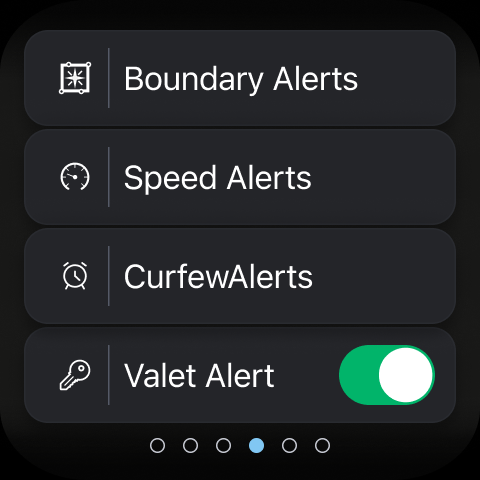
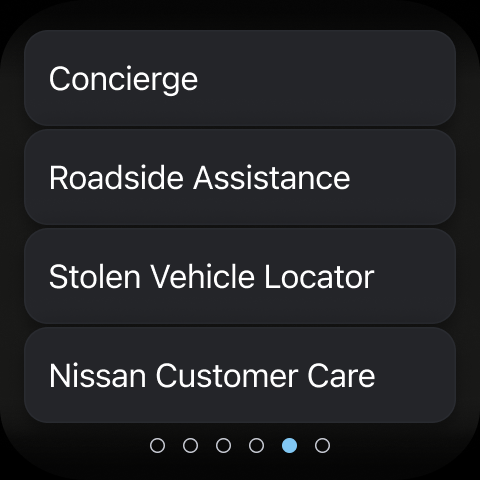
The MyNISSAN App is a vehicle management tool that brings remote access and vehicle information to your phone. It helps Nissan owners stay connected to their car for maintenance, security, and convenience.
Key features
Remote Vehicle Control
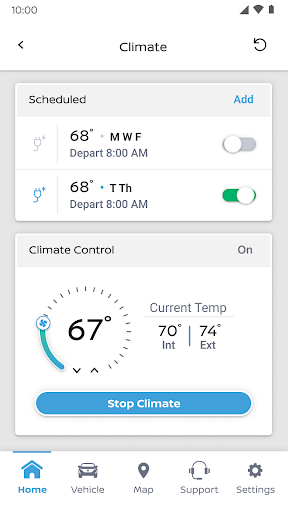
Start, stop, lock, unlock, or activate your vehicle's lights and horn remotely. This feature is useful for convenience and security when you are away from your car.
Vehicle Status Check
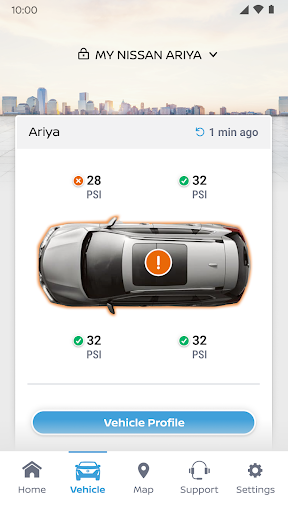
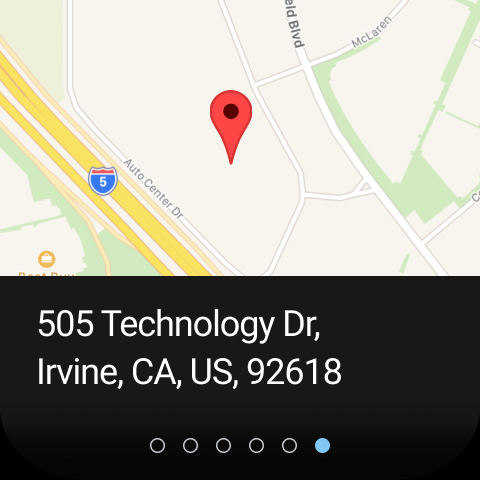
Monitor your vehicle's crucial information like fuel range, tire pressure, and door lock status. This helps you stay informed about your car's condition before you drive.
Service Management
Schedule maintenance appointments and view your service history. This function simplifies keeping up with your vehicle's required upkeep and repairs.
How it works
- Download and install the MyNISSAN App.
- Log in with your Nissan ID or create a new account.
- Connect your vehicle to access available features.
Who it is for
- Nissan owners seeking remote vehicle access.
- Drivers who want to monitor vehicle status and maintenance.
- Individuals interested in managing their Nissan account online.
- Owners of Nissan vehicles model year 2014 and newer.
Important information
- Full functionality requires an active NissanConnect Services Premium package on select models.
- App features may vary based on vehicle model, year, and trim level.
- Remote services may be affected by cellular network availability and AT&T's 3G discontinuation.
Overall assessment
MyNISSAN App offers convenient remote control and status monitoring for compatible Nissan vehicles. It is suited for owners looking to manage vehicle maintenance and access key information, though full features depend on subscription and vehicle specifications.