


About this app
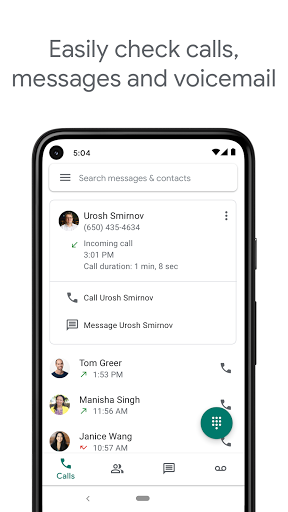
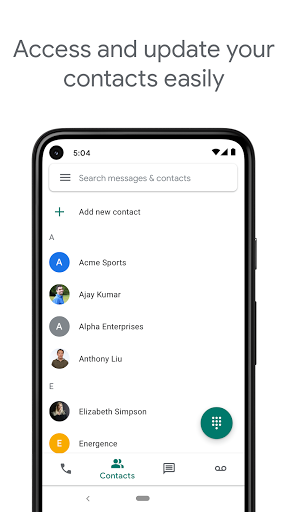
Google Voice offers a U.S. phone number for calls, texts, and voicemail, syncing across devices for use anywhere. This communication app helps manage your contacts efficiently.
Key features
Spam filtering
Automatically filters spam calls and messages, and allows blocking unwanted numbers to maintain a clean communication history and peace of mind.
Message history
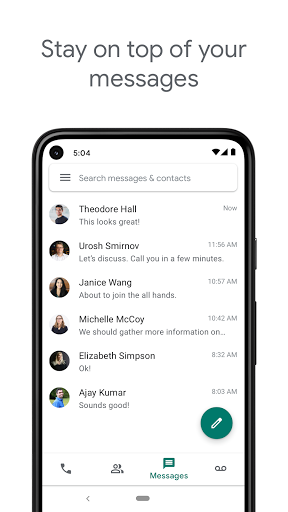
Stores and backs up calls, texts, and voicemails, making it easy to search and retrieve past conversations whenever needed for reference.
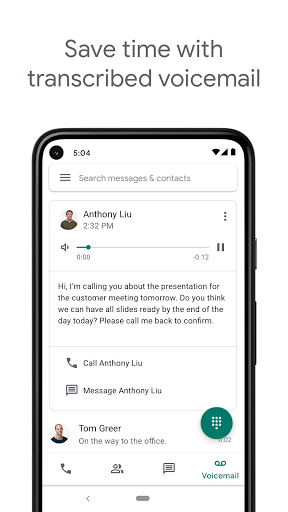
Voicemail transcription
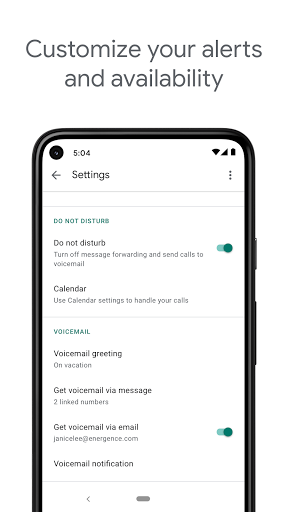
Provides advanced transcriptions of voicemails, which can be read within the app or sent to your email for convenient access.
How it works
- Download and install the Google Voice app.
- Sign in with your Google account to set up your number.
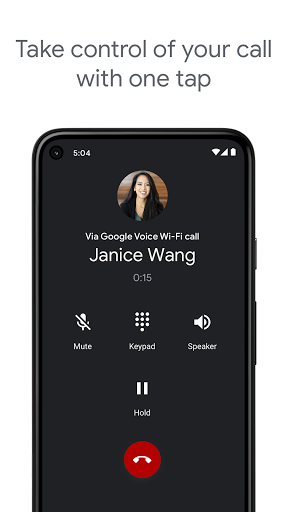
- Start making calls, sending texts, or checking voicemail.
Who it is for
- Individuals needing a separate U.S. phone number for personal use.
- Users who want to manage calls, texts, and voicemail in one place.
- People seeking to organize and search their communication history.
- Travelers looking for competitive international calling rates.
Important information
- Google Voice is currently only available for personal Google Accounts in the U.S.
- Calls placed via an access number may use standard cell phone minutes and incur costs.
- Check your administrator for availability if using a Google Workspace account.
Overall assessment
Google Voice provides a U.S. number for unified communication, ideal for personal accounts needing call, text, and voicemail management. Its features like spam filtering and transcription offer convenience for users prioritizing organization and accessibility.