







About this app
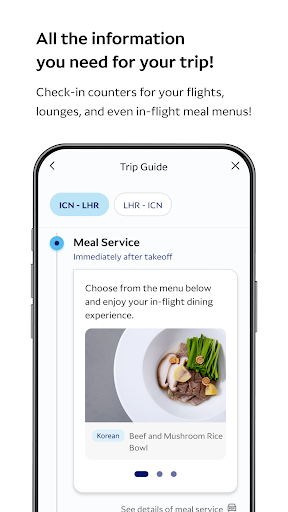
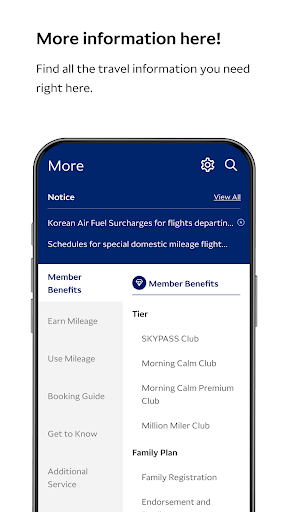
Korean Air My is a travel companion app that provides flight information and booking services. It helps users manage their travel plans efficiently, from booking flights to accessing boarding passes.
Key features
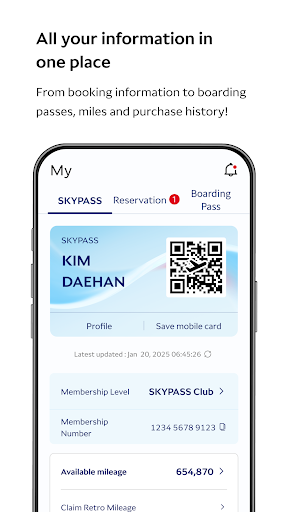
Mobile Boarding Pass
Access and display your mobile boarding pass directly from your device for quick airport navigation. This feature simplifies check-in and reduces the need for printed documents.
Real-time Flight Status
Receive instant updates on flight schedules and potential delays through push notifications. This function keeps travelers informed and allows for better travel planning.
360° VR Cabin View
Explore the aircraft cabin in a virtual reality experience before your flight. This feature allows users to familiarize themselves with the seating and amenities available.
How it works
- Open the Korean Air My app on your mobile device.
- Log in using your credentials or biometric authentication.
- Access your flight details, boarding pass, or booking options.
Who it is for
- Frequent flyers who need quick access to flight information.
- Travelers looking to manage bookings and check-in procedures.
- Passengers who want to view their seat and cabin details.
- Users seeking real-time updates on flight status and gate changes.
Important information
- Requires Android 5.0.0 or later for full compatibility.
- The Wear OS version needs to be synced with the mobile app.
- An internet connection is necessary for certain features like real-time updates.
Overall assessment
Korean Air My offers essential travel management tools for passengers, including flight booking and mobile boarding passes. It suits travelers seeking convenient access to flight details and real-time status updates.