





About this app
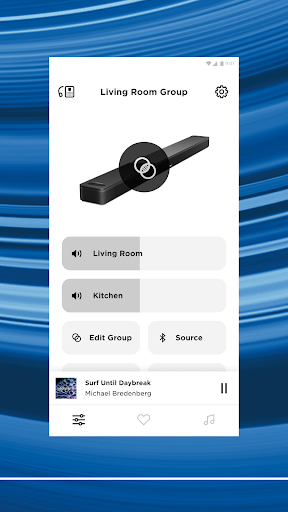
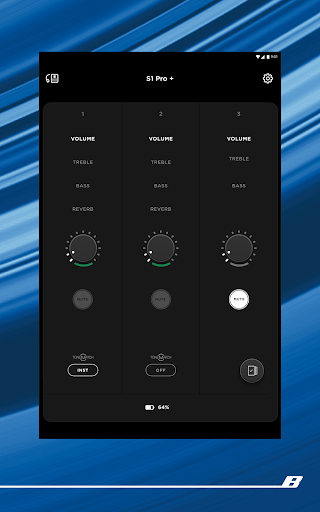
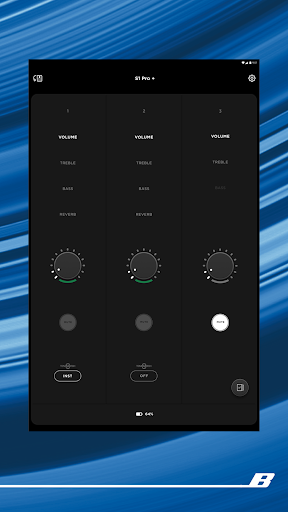
The Bose app is a central control hub for managing compatible Bose audio products. It allows users to enhance their listening experience and control various device settings conveniently.
Key features
Noise Cancellation Control
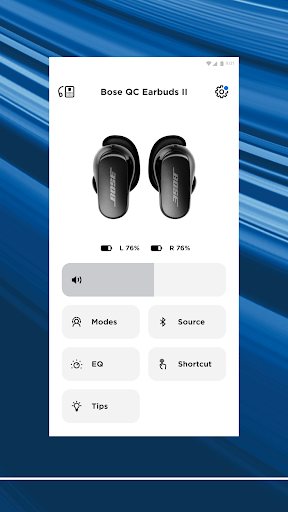
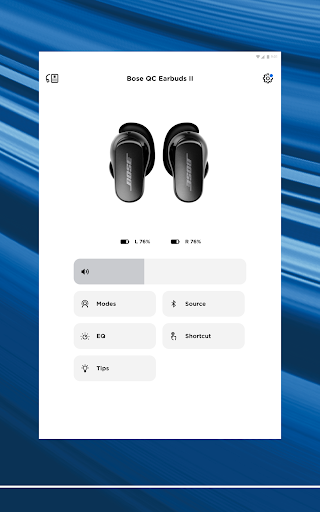
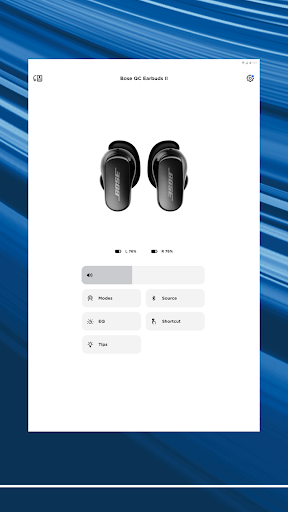
Adjust noise cancellation levels on QuietComfort products to personalize your audio environment, choosing between full immersion or awareness of your surroundings.
EQ and Shortcut Customization
Tailor your audio experience by balancing EQ settings and selecting on-product shortcuts for frequently used features, accessible directly within the app.
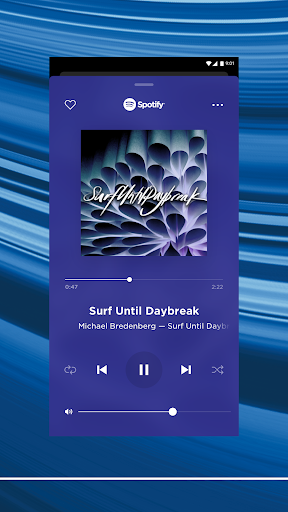
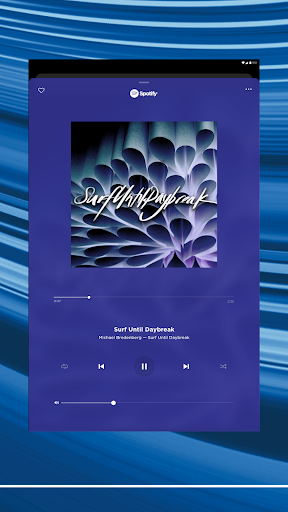
Preset Music Access
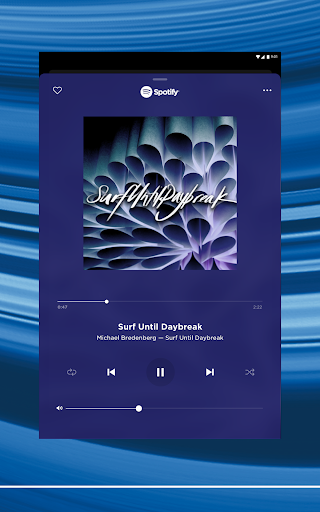
Set favorite playlists or stations as presets for one-touch access, allowing effortless playback of preferred music through the app or device controls.
How it works
- Download and open the Bose app on your device.
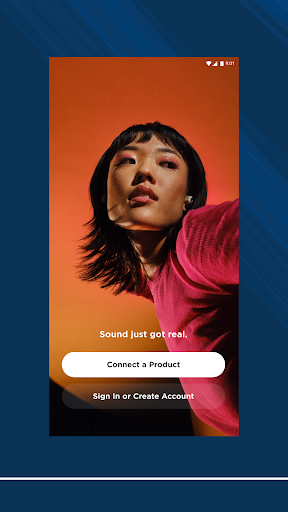
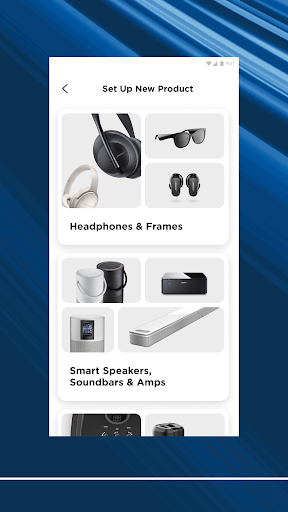
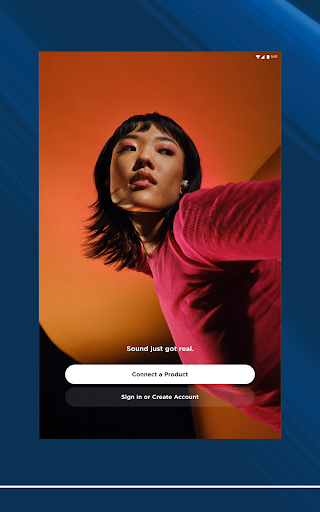
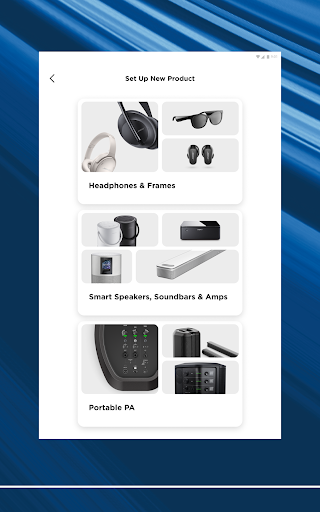
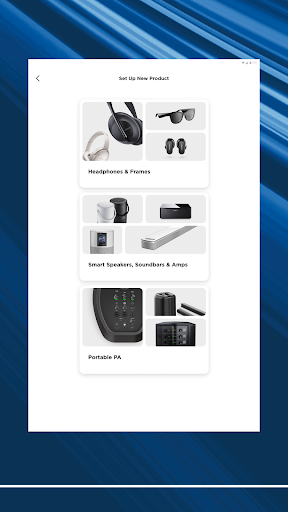
- Follow on-screen instructions to connect your Bose product.
- Explore and manage your device's features and settings.
Who it is for
- Owners of Bose headphones and earbuds
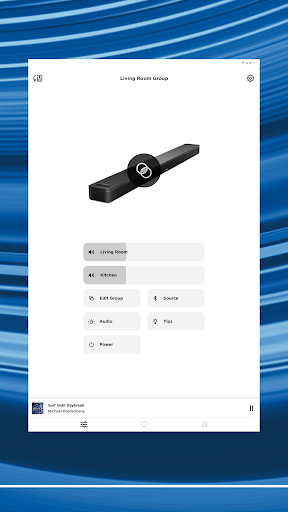
- Users with Bose speakers and soundbars
- Individuals seeking personalized audio control
- People managing multiple Bose devices
Important information
- The app requires a compatible Bose product to function.
- An internet connection is needed for setup and certain features.
- Refer to the app store listing for the latest device compatibility details.
Overall assessment
The Bose app offers streamlined control for users of compatible Bose audio devices. It excels at personalizing sound and simplifying access to music, making it a useful tool for Bose product owners.